
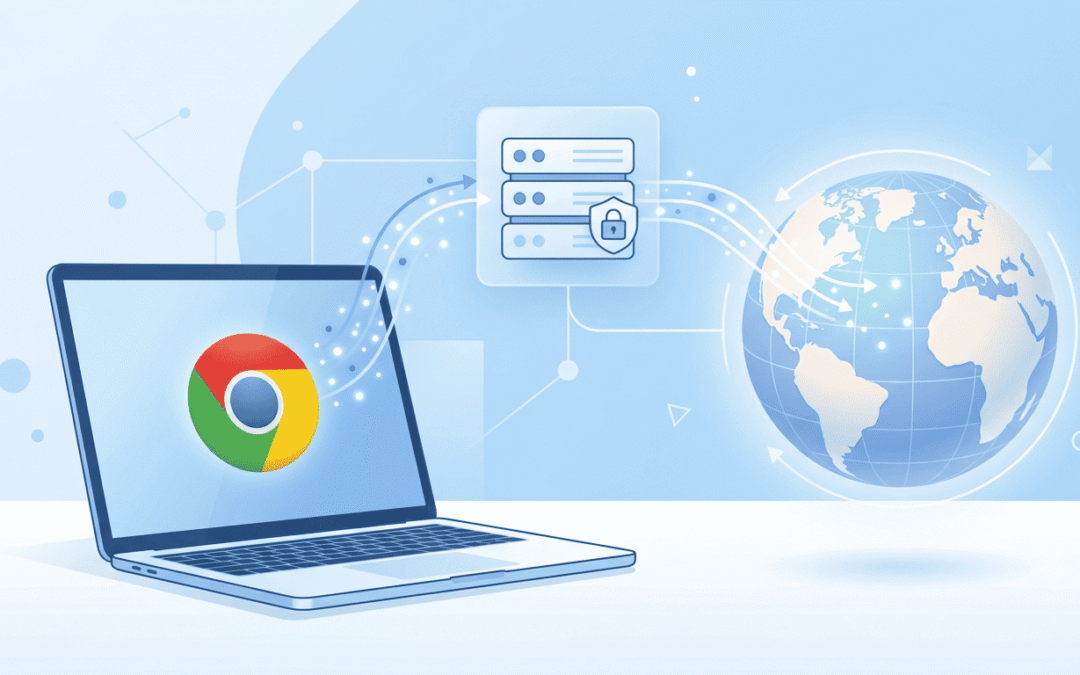
Chrome accounted for 69.39% of worldwide browser market share in August 2026, according to Statcounter Global Stats. That’s a lot of people who will eventually want to browse from a different IP address. So if you want your browsing to go through a proxy, you will most likely be using Google Chrome. So maybe you’re checking search results in another country, testing an ad, or scraping websites.
Chrome does not have a proxy menu of its own. You have to set the proxy in your computer’s settings or with a browser extension. This guide covers both, plus how to test that it works and what to do with it when it doesn’t.
Does Chrome Have Built-In Proxy Settings
Not really on desktop; Chrome uses your operating system’s proxy settings. When you click to open your computer’s proxy settings inside Chrome, it just sends you to the network page of Windows/macOS. That also means a proxy you set there applies to other apps on your computer, not only Chrome.
Before you start, grab these from your proxy provider: the IP address or hostname, the port, and a username and password if the proxy is protected. If you don’t have a proxy yet, a provider like Express Nodes can get you premium proxies.
Premium Proxy Infrastructure
Residential Proxies
🏡
Your content goes here. Edit or remove this text inline or in the module Content settings. You can also style every aspect of this content in the module Design settings and even apply custom CSS to this text in the module Advanced settings.
ISP IPs
🏡
Your content goes here. Edit or remove this text inline or in the module Content settings. You can also style every aspect of this content in the module Design settings and even apply custom CSS to this text in the module Advanced settings.
Fresh IPs
🏡
Your content goes here. Edit or remove this text inline or in the module Content settings. You can also style every aspect of this content in the module Design settings and even apply custom CSS to this text in the module Advanced settings.
Dedicated IPs
🏡
Your content goes here. Edit or remove this text inline or in the module Content settings. You can also style every aspect of this content in the module Design settings and even apply custom CSS to this text in the module Advanced settings.
How to Set Up a Proxy in Chrome With an Extension
The system method works, but it has two downsides. It changes the proxy for your entire computer, and switching to a different proxy means digging back into settings every time.
An extension keeps the proxy inside Chrome and lets you switch with a click. Proxy Setup is a free extension built for this. It works on Chrome and other Chromium browsers like Edge, Brave, Opera, and Vivaldi. It doesn’t sell proxies. You bring your own from any provider, and it manages the connection.
It also helps if your proxy uses SOCKS5. Chrome’s own address field only accepts HTTP and HTTPS proxies, so SOCKS5 needs a launch flag or an extension.
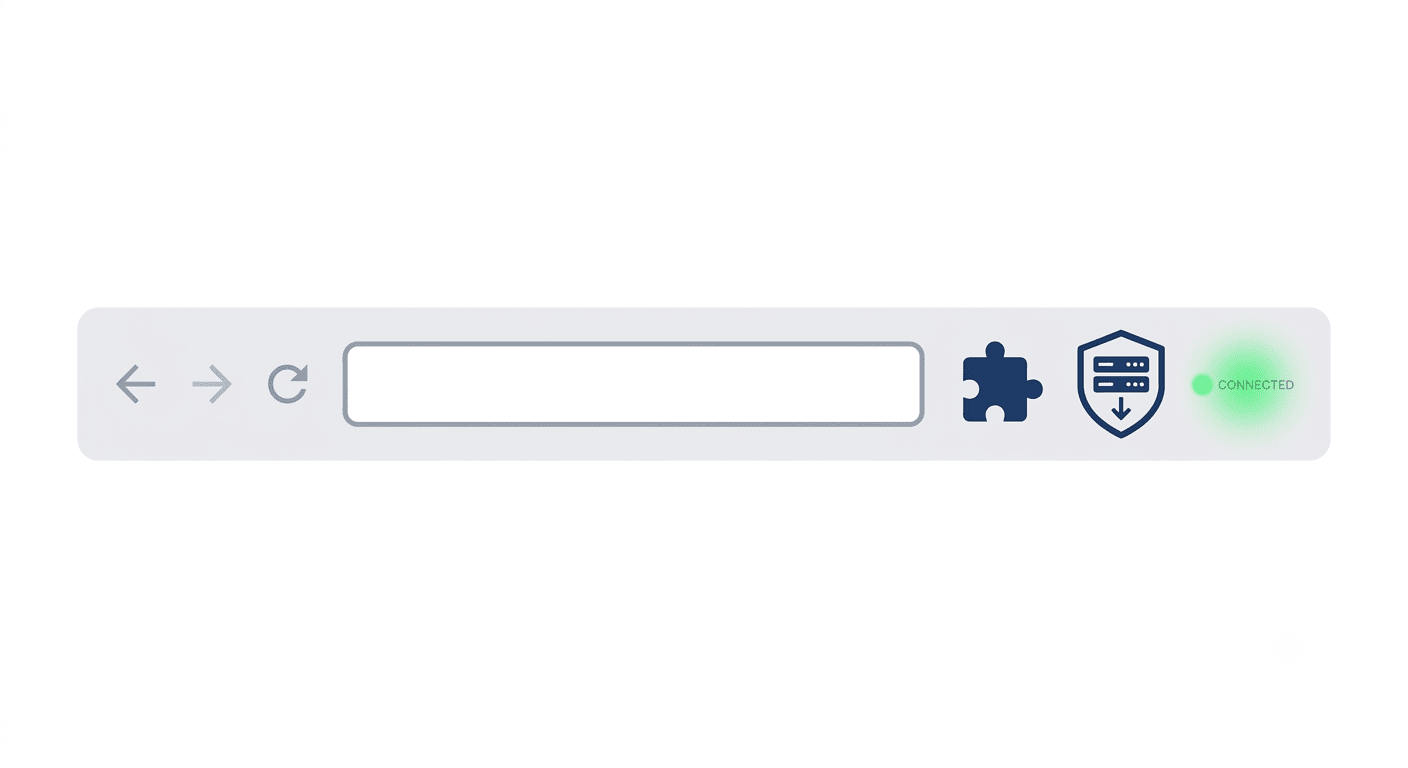
- Go to proxysetup.com and click Add to Chrome, or search for Proxy Setup in the Chrome Web Store.
- Click the puzzle icon in Chrome’s toolbar and pin the extension so it’s easy to reach.
- Open it and add your proxy: IP address, port, protocol, and your username and password if you have them.
- Hit connect. The extension will show you the connection status.
A few extras which you should know. There’s a kill switch that blocks all traffic if your proxy drops, so your real IP doesn’t leak by accident. It also blocks DNS leaks, and you can import a whole list of proxies and assign different ones to different profiles.
How to Set Up a Proxy in Chrome on Windows
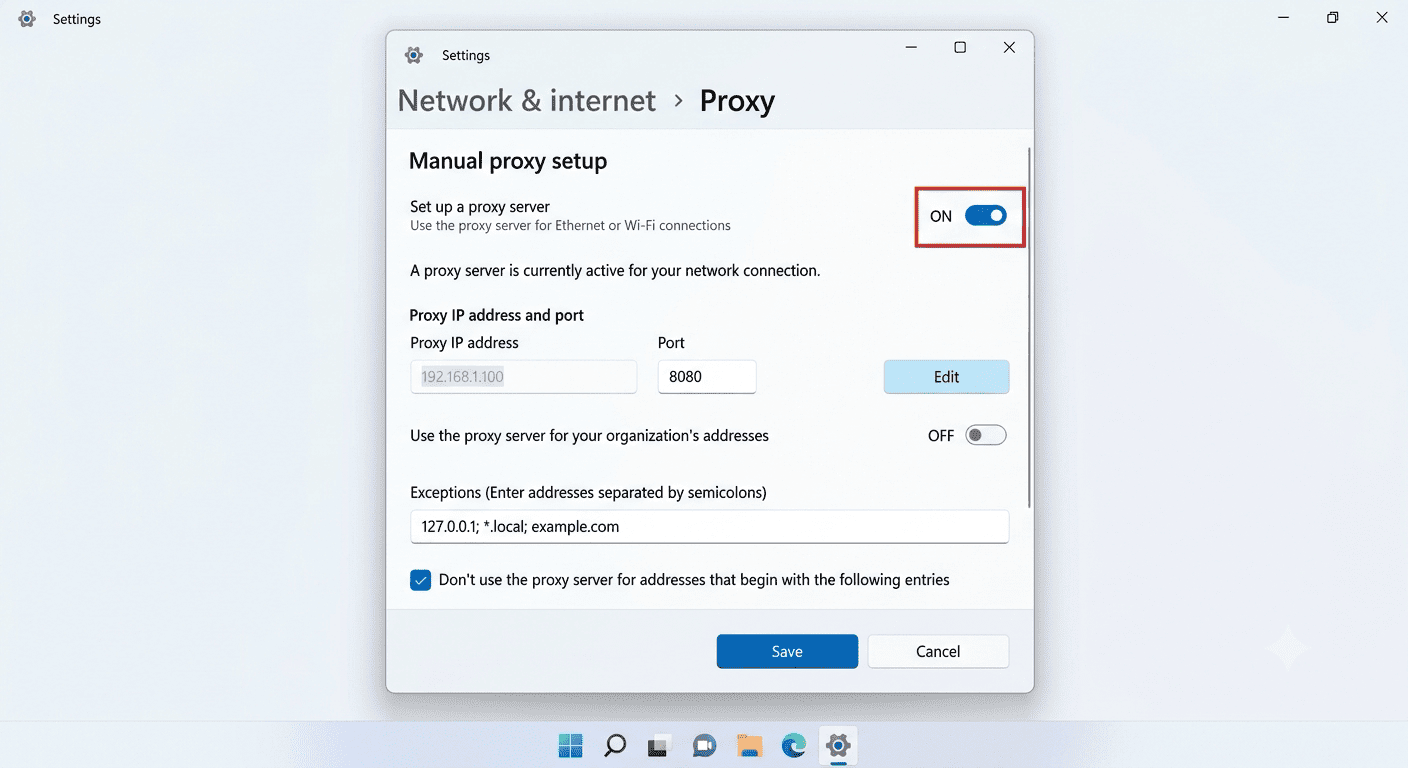
- Open Chrome, click the three dots in the top right corner, and choose Settings.
- Click System in the left menu.
- Click Open your computer’s proxy settings.
- Under Manual proxy setup, turn on Use a proxy server.
- Type in the proxy’s IP address and port.
- Click Save.
- Open any website. If your proxy needs a login, Chrome will ask for the username and password. Enter them, and you’re in.
If you can’t find the System section? Type proxy into the search bar at the top of Chrome’s settings page, and the same link shows up.
How to Set Up a Proxy in Chrome on Mac
- Follow the same first three steps as above (Settings, System, Open your computer’s proxy settings). Chrome will open your Mac’s network settings.
- Pick your active connection, usually Wi-Fi or Internet, then click Details and choose Proxies.
- Tick the protocol you need, Web Proxy or Secure Web Proxy, then enter the host and port. If your provider gave you a SOCKS proxy, tick SOCKS Proxy instead.
- If there’s a login, tick Proxy server requires password and fill in your details.
- Click OK, then Apply. Your Mac may ask for its own password at this point.
Which Method Should You Pick?
| System settings | Proxy Setup extension | |
| What it changes | Your whole computer | Chrome only |
| Setup time | A few minutes | About a minute |
| Switching proxies | Go back into settings each time | One click |
| SOCKS5 support | Depends on your operating system | Yes |
| Best for | A one-off proxy for everything you do | Everyday use, testing, multiple proxies |
If you only need a proxy once in a while, the system method is fine. If you switch locations often or work with several proxies, the extension will save you a lot of time.
How to Check If Your Chrome Proxy Is Working
Search what is my IP in Chrome and look at the result. If it shows the IP address from your internet provider, your proxy isn’t configured properly. If it shows the proxy’s IP and location, you’re good.
Check the location too. If you bought a proxy in Germany, the result should say Germany.
How to Turn Off a Proxy in Chrome
If you used the system method, go back to the same proxy settings page. On Windows, switch Use a proxy server to off, click Save, and restart Chrome. On Mac, untick the proxy protocol and click Apply.
If you used an extension, just disconnect from the extension’s menu. Nothing else needs to change.
Can I set up a proxy in Chrome without an extension?
Yes. Go to Settings, then System, then Open your computer’s proxy settings, and enter the proxy address and port in your Windows or Mac network settings.
How do I set up a proxy in Chrome on my phone?
On Android and iPhone, Chrome follows the proxy set on your Wi-Fi network. Open the settings for the Wi-Fi network you’re connected to, find the proxy option, and enter the details there.
Is a proxy the same as a VPN?
No. A proxy mainly changes the IP address websites see for the traffic you send through it. A VPN usually encrypts all the traffic from your device. Most proxies don’t do that.
Can I use different proxies for different websites in Chrome?
Yes, but you need an extension for that. Proxy Setup lets you import a list of proxies and assign them to different profiles.
Why does Chrome say Unable to connect to the proxy server?
Usually, the proxy details are wrong, the proxy is offline, or another program is blocking the connection. Check your IP, port, and login first.
Chrome Proxy Not Working? Here’s What to Check
The most common problem is the message Unable to connect to the proxy server (ERR_PROXY_CONNECTION_FAILED). It usually means Chrome can’t reach the proxy, so work through this list:
- Typos in the IP or port. One wrong digit is enough to break it.
- Wrong username or password. Copy and paste them from your provider’s dashboard.
- Expired or offline proxy. Log in to your provider and make sure the proxy is still active.
- IP whitelisting. Some providers only accept connections from an approved IP address. If yours does, add your current IP in their dashboard first.
- Other extensions, antivirus, or firewall. Any of these can get in the way. Turn them off for a minute and test again.
- A leftover proxy setting. Go back to your system proxy settings and switch everything off, then set it up again from scratch.
- Settings locked by an administrator. On a work or school computer, the proxy option can be greyed out. That’s set by whoever manages the device, and you’ll have to ask them.
How to Hide Your IP Address: Proxies vs VPNs vs Tor
About 23% of internet users aged 16 and over said they used a VPN in the second quarter of 2025, based on GWI survey data in the Digital 2026 Global Overview Report. That's nearly one person in four online, and most of them want the same thing, which is to stop...
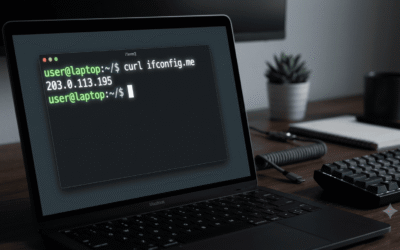
How to Check if a Proxy Is Working: 7 Easy Methods
The global proxy server market is projected to grow from $1.746 billion in 2025 to $2.649 billion by 2031, a 7.2% CAGR driven mainly by rising cybersecurity needs and demand for geo-restriction bypass. A lot of that growth is actually coming from businesses scraping...

Best Proxies for Web Scraping in 2026: What Should You Use?
According to reports from Apify and The Web Scraping Club industry survey, 65.8% of web scraping professionals used more proxies in 2025 than the previous year, and 58.3% increased their proxy budgets over the same period, even as proxy prices generally fell. That...