
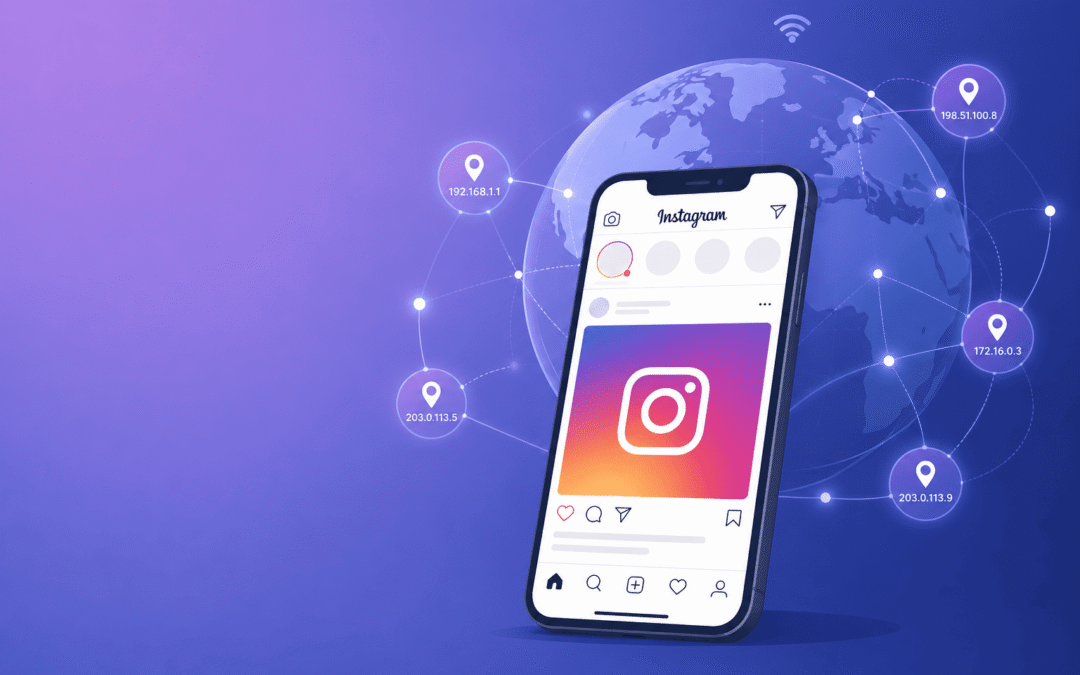
If you run more than one Instagram account, or manage them for clients, you already know the problem. One wrong move and Instagram sends you a login alert, or even worse, bans you. And it happens more often than you’d think. Meta disables over 2 billion fake or suspicious accounts every quarter across Facebook and Instagram, according to platform transparency data. And most of the time it’s not your content that’s the problem. It’s your IP address.
That’s where proxies come in to help you. But here’s the thing nobody tells you clearly: not all proxies work for Instagram. Some will get you flagged faster than not using one at all. So before you buy a cheap proxy package, let’s first understand what works in 2026, what doesn’t, and what actually matters when you’re picking a provider.
Why Does Instagram Even Care About Your IP
Instagram is a mobile-first platform, and its anti-bot system is built around that. When you log into five different accounts from the same home Wi-Fi, Instagram sees five accounts hitting its server from the same IP address. That pattern looks like automation even if you’re doing things manually.
So Instagram links those accounts together. If one gets flagged for spammy behaviour, the rest may go down with it. That’s the reason proxies exist for social media management. A good proxy gives each account its own clean, believable identity on the network level, separate from your other accounts and separate from your real home connection. But a proxy alone won’t save a reckless account. If you’re spamming follows, using shady bots, or blasting DMs, no proxy in the world will protect you.
Ready to manage your Instagram accounts without the ban anxiety? [Explore Express Nodes mobile and residential proxy plans] and get set up in minutes.
Premium Proxy Infrastructure
Residential Proxies
🏡
Your content goes here. Edit or remove this text inline or in the module Content settings. You can also style every aspect of this content in the module Design settings and even apply custom CSS to this text in the module Advanced settings.
ISP IPs
🏡
Your content goes here. Edit or remove this text inline or in the module Content settings. You can also style every aspect of this content in the module Design settings and even apply custom CSS to this text in the module Advanced settings.
Fresh IPs
🏡
Your content goes here. Edit or remove this text inline or in the module Content settings. You can also style every aspect of this content in the module Design settings and even apply custom CSS to this text in the module Advanced settings.
Dedicated IPs
🏡
Your content goes here. Edit or remove this text inline or in the module Content settings. You can also style every aspect of this content in the module Design settings and even apply custom CSS to this text in the module Advanced settings.
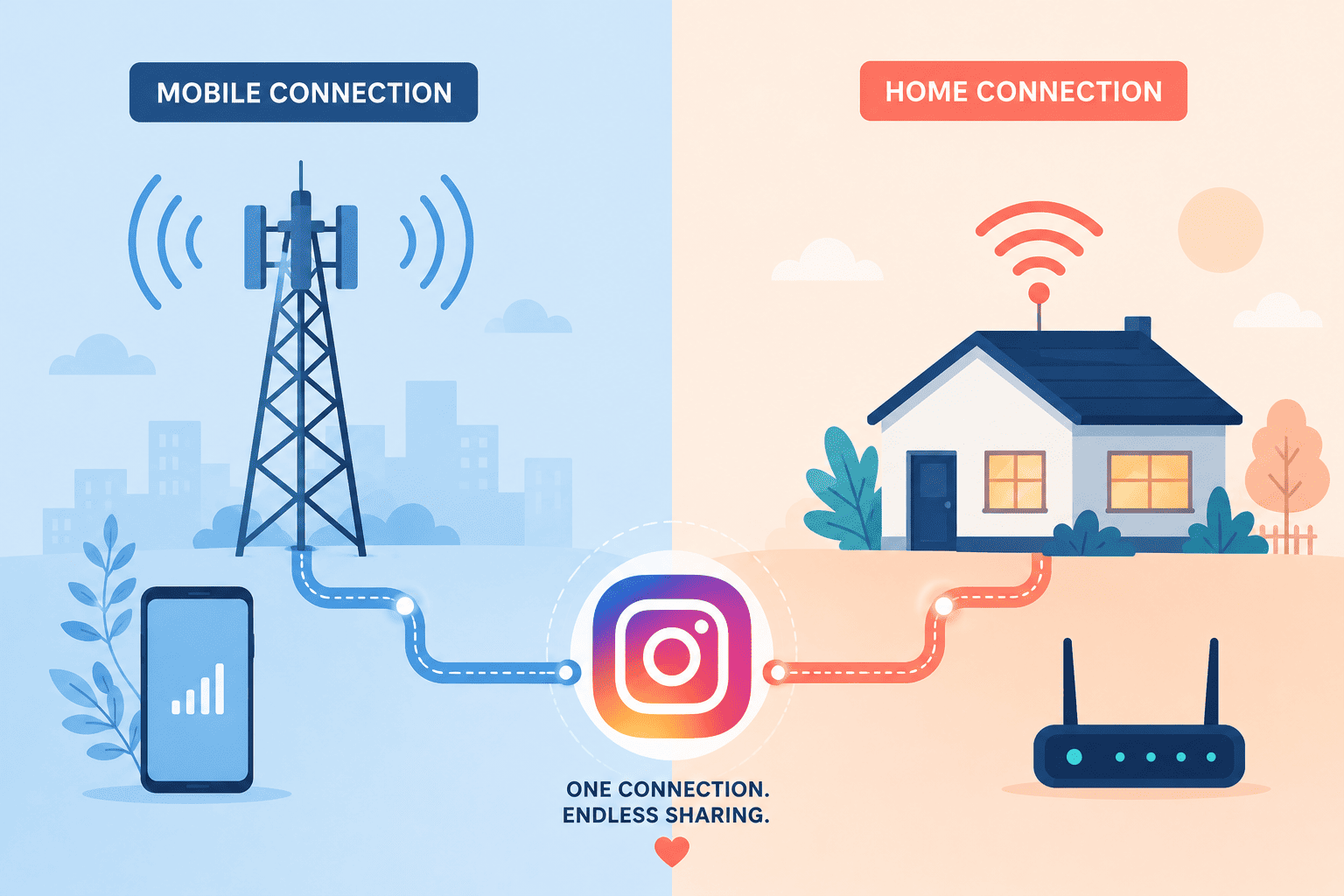
Mobile vs Residential Proxies: Which One Actually Works Better
Mobile proxies route your traffic through real 4G or 5G SIM cards, the same way your phone connects to the internet. Because thousands of real users share the same carrier IP through something called CGNAT, Instagram can’t block that IP without also blocking a bunch of genuine users. That gives mobile proxies a serious trust advantage, and most 2026 testing shows mobile IPs holding up noticeably better against bans compared to residential ones.
Residential proxies use IPs tied to real home internet connections. They’re still far better than datacenter IPs because they look like ordinary household traffic, but they don’t carry the same shared identity protection that mobile IPs do. They work really well for lower-risk tasks like scraping public hashtags or browsing profiles, but for logging in and managing accounts long-term, mobile proxies come out ahead.
And then there are datacenter proxies, which you should probably skip for anything account-related. They’re fast and cheap, but Instagram spots them quickly, and they’re really only useful for basic public research at scale, not account management.
What to Look for in an Instagram Proxy Provider
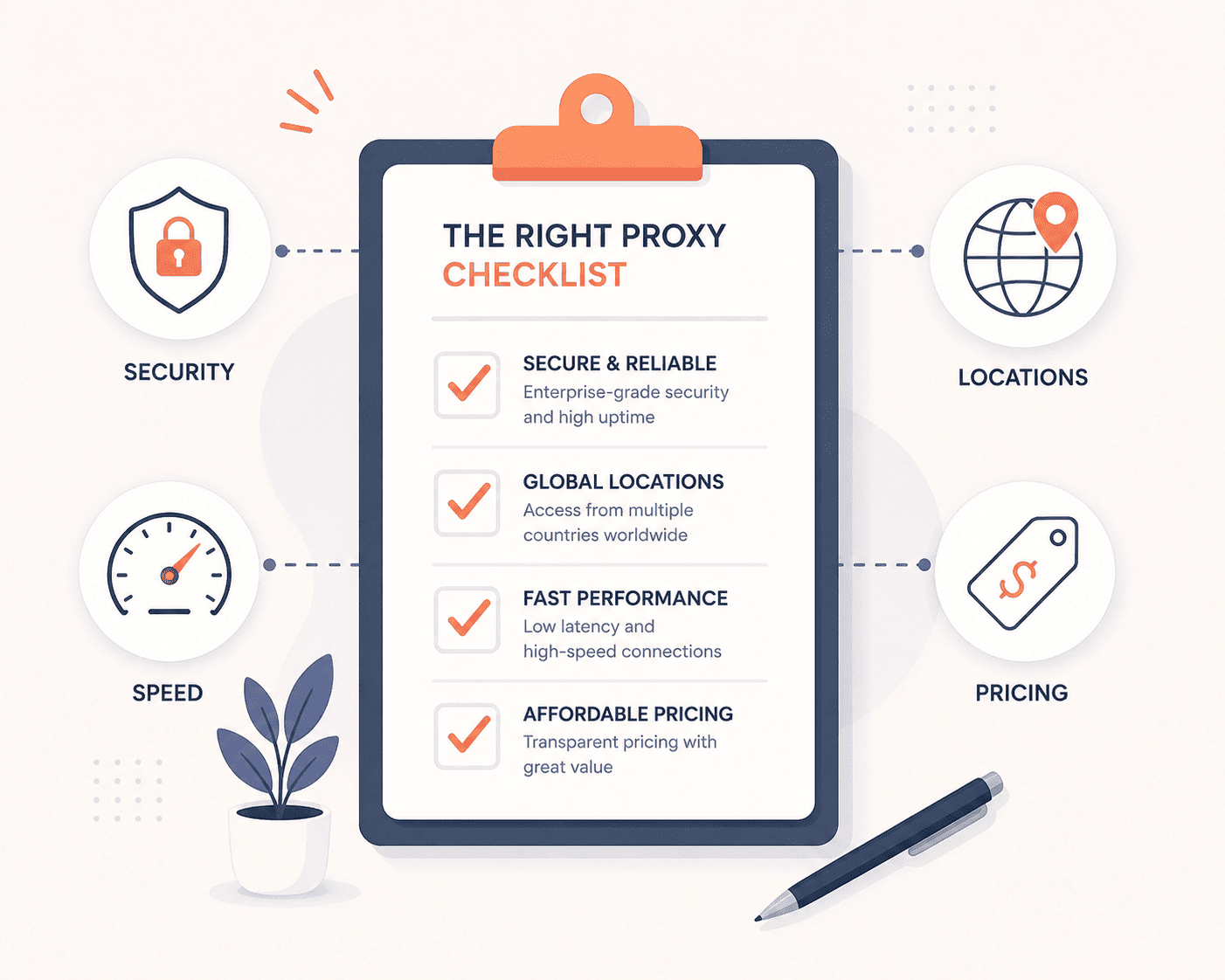
Instead of searching a “best of” list (most of those rankings are paid placements anyway), it’s more useful to know what actually separates a good proxy provider from a risky one. Here’s what to check before you buy:
|
What to Check |
Why It Matters |
|
IP type available |
Look for mobile and residential options specifically. If a provider only offers datacenter IPs, skip it for account management. |
|
Pool size and locations |
A bigger, more spread-out IP pool means less chance of reused or already-flagged IPs. |
|
Sticky session support |
You want an IP that stays put for a session instead of rotating mid-login, which keeps your account identity consistent. |
|
Pricing model |
Pay-as-you-go (billed per GB) is usually more predictable than a flat monthly plan if your usage changes month to month. |
|
Targeting options |
Country, city, or ASN-level targeting matters if you’re managing accounts tied to specific locations. |
|
Support and uptime |
You want a provider that responds fast if an IP gets burned or a session drops, especially for client work. |
If you’re evaluating providers, Express Nodes checks every box on that list above, real mobile and residential IPs, sticky sessions, flexible pricing, and support that actually responds. [See Express Nodes’ proxy plans] to get started.
How Many Accounts Should You Run Per Proxy
This one confuses a lot of beginners. The honest answer is as few as possible.
For serious client work or brand accounts, stick to one proxy per account. It’s the safest setup, and it’s what most social media managers stick to. If you’re managing lower-risk personal accounts, you can stretch to two or three per IP, but every extra account on the same IP adds risk.
Also, don’t rotate your IP mid-session. If an account keeps the same IP consistently, Instagram sees a stable, believable identity. Switching IPs constantly for one account actually looks more suspicious, not less.
New Account? Warm It Up First
If you’re creating fresh Instagram accounts, don’t jump straight into posting and following people on day one. A slower warm-up period makes a really big difference in how long an account survives.
A simple structure that tends to work well:
- First few days: just browse and scroll
- Next few days: like a few posts, follow a handful of accounts
- After a week or so: start commenting and following more actively
- Only after two weeks: begin posting and running your usual activity
Rushing this is also one of the biggest reasons new accounts get banned really quickly.
Do I really need a proxy for Instagram in 2026?
If you’re managing just one personal account, probably not. But if you run multiple accounts, a proxy is close to essential to avoid getting your accounts linked and banned together.
Are mobile proxies worth the extra cost over residential ones?
For account management and logins, yes. Mobile proxies carry more trust with Instagram because of shared carrier IPs.
Can I use free proxies for Instagram?
It’s not recommended. Free proxies are usually overused, poorly maintained, and often already flagged by Instagram, which means a higher chance of instant bans.
How many Instagram accounts can I safely run on one proxy?
One account per proxy is the safest rule, especially for business or client accounts. Stretching beyond that increases the risk of accounts getting linked and flagged together.
Do proxies guarantee my account won't get banned?
No. A good proxy reduces risk, but it doesn’t override Instagram’s rules. Spammy behavior, bots, or fake engagement can still get an account banned regardless of proxy quality.
Quick Takeaway
If you’re managing a handful of client accounts and want the safest option, go with mobile proxies and stick to one IP per account. If you’re on a budget or just need proxies for lighter tasks like scraping public data, residential proxies do the job well enough. And whatever you do, skip datacenter proxies for anything login-related.
At the end of the day, proxies give you a clean, stable foundation, but how you use your account still matters most. Combine a good proxy with genuine, consistent activity, and you’ll have a much easier time keeping your accounts in good standing through 2026 and beyond.
Express Nodes offers mobile and residential proxies built specifically for safe, scalable social media management. [Check out our plans] and find the right fit.
Proxies for Price Monitoring and Competitor Tracking (E-commerce)
Amazon changes prices on its platform roughly 2.5 million times a day, according to price intelligence firm Profitero, compared to around 50,000 monthly price changes each for competitors like Best Buy and Walmart. That number alone explains why manual price checks...
Best Proxies for LinkedIn Automation and Outreach
If you have ever sent more than a handful of connection requests in a day, you already know LinkedIn is watching. In fact, a 2026 report found that 23% of users relying on browser-based automation tools faced account restrictions within just 90 days. It tracks where...
Best Proxies for Twitter/X Account Management
If you manage more than one Twitter/X account, you already know the problem. You log in, and everything looks fine, and then suddenly one account gets flagged or suspended without any major reason. A few hours later, the account next to it goes down too. This isn't...