
Web scraping has quietly become one of the biggest data collection methods in business today. The global web scraping market was valued at roughly 1.34 billion dollars in 2025 and is expected to climb past 3 billion dollars by 2031, driven largely by e-commerce price tracking and AI training data needs, according to Mordor Intelligence. And according to Apify’s most recent industry survey, nearly two out of three scraping professionals say they are using more proxies than they did the year before.
If you have ever tried to scrape a website without a proxy, you already know what happens. A few requests go through, and then nothing happens everything looks fine, but then, after a while, you are staring at a 403 error or a CAPTCHA wall. Proxies are the reason serious scraping projects keep working smoothly while the basic ones get blocked within minutes.
This guide walks you through exactly how to use a proxy for web scraping, step by step, even if you have never used one before.
What Does a Proxy Actually Do in Web Scraping?
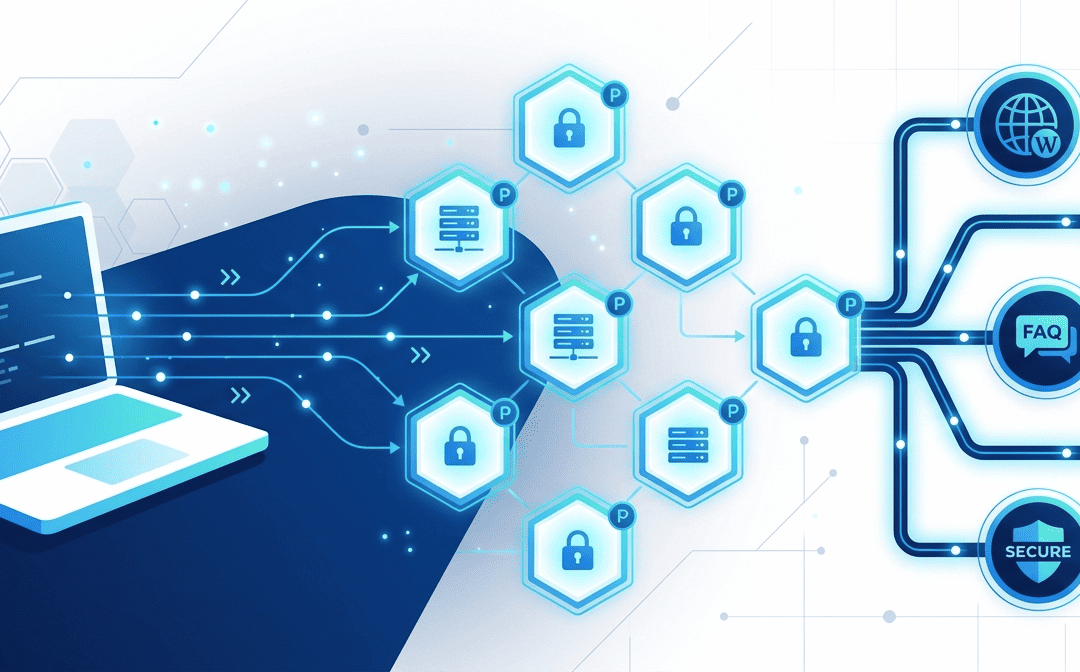
A proxy sits between your scraper and the target website. Instead of your requests going from your own IP address, they actually get routed through the proxy’s IP first. So, to the website, it looks like the request is coming from somewhere else entirely.
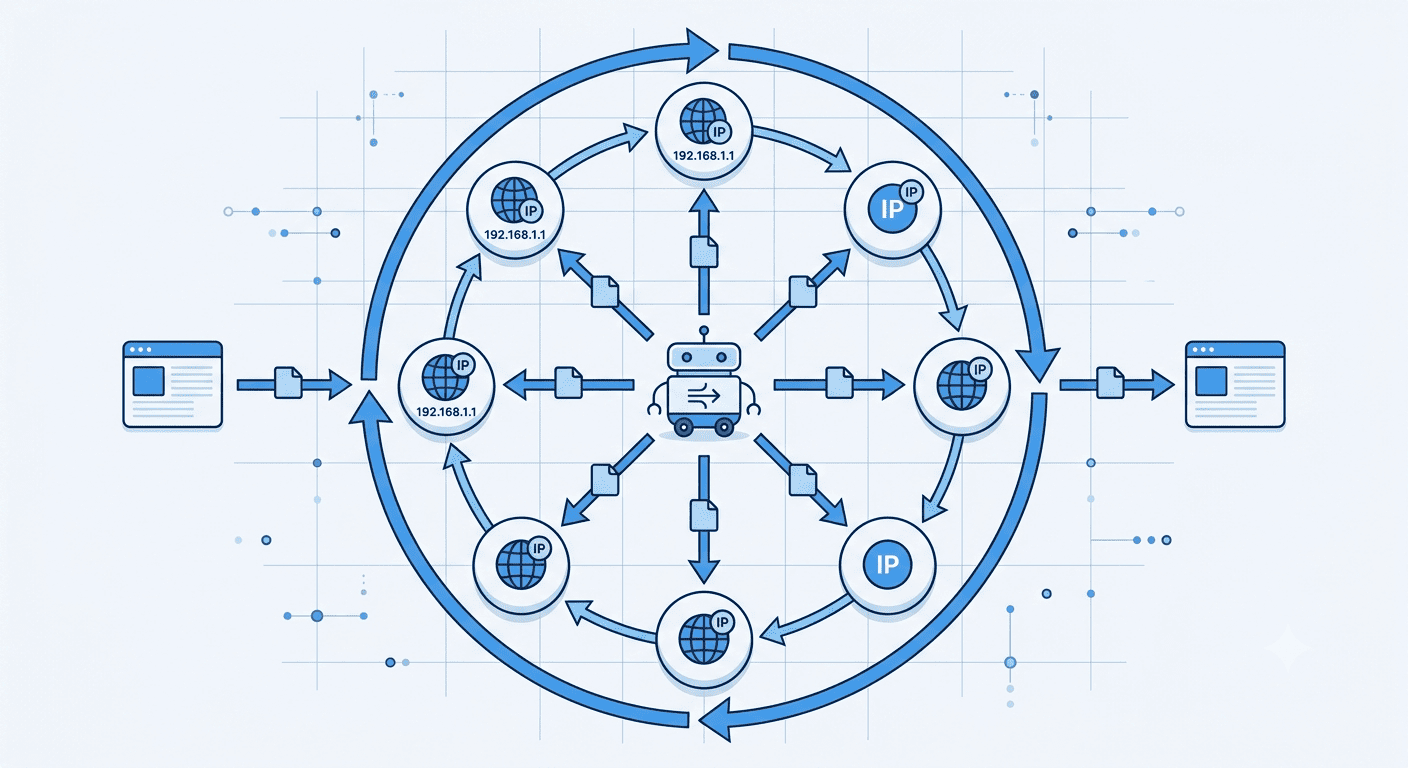
This actually matters a lot because most of the websites track how many requests come from a single IP address in a short window. If you send too many requests too fast, that IP gets flagged, rate-limited, or blocked outright. A proxy, especially a rotating one, spreads your requests across many different IPs so no single address looks suspicious.
Not sure which proxy type fits your project? Talk to Express Nodes about your scraping needs and get matched to the right plan.
Premium Proxy Infrastructure
Residential Proxies
🏡
Your content goes here. Edit or remove this text inline or in the module Content settings. You can also style every aspect of this content in the module Design settings and even apply custom CSS to this text in the module Advanced settings.
ISP IPs
🏡
Your content goes here. Edit or remove this text inline or in the module Content settings. You can also style every aspect of this content in the module Design settings and even apply custom CSS to this text in the module Advanced settings.
Fresh IPs
🏡
Your content goes here. Edit or remove this text inline or in the module Content settings. You can also style every aspect of this content in the module Design settings and even apply custom CSS to this text in the module Advanced settings.
Dedicated IPs
🏡
Your content goes here. Edit or remove this text inline or in the module Content settings. You can also style every aspect of this content in the module Design settings and even apply custom CSS to this text in the module Advanced settings.
Why You Can’t Skip This Step
A few reasons scraping without a proxy tends to fail very quickly:
- IP bans: Most sites block IPs that send an unusual volume of requests
- Geo-restrictions: Some content only loads for visitors in specific countries
- Rate limiting: Even if you are not banned, your requests may get throttled
- Inaccurate data: Some sites serve different prices or content based on location, which skews your dataset if you are scraping from just one place
So if your scraping project needs to run reliably at scale, a proxy is not optional for you. Everything else you do to make the scraper smarter only works once your proxy setup is actually solid.
Types of Proxies for Web Scraping
Not all proxies work the same way, and picking the wrong type is one of the most common reasons why scraping projects fail early.
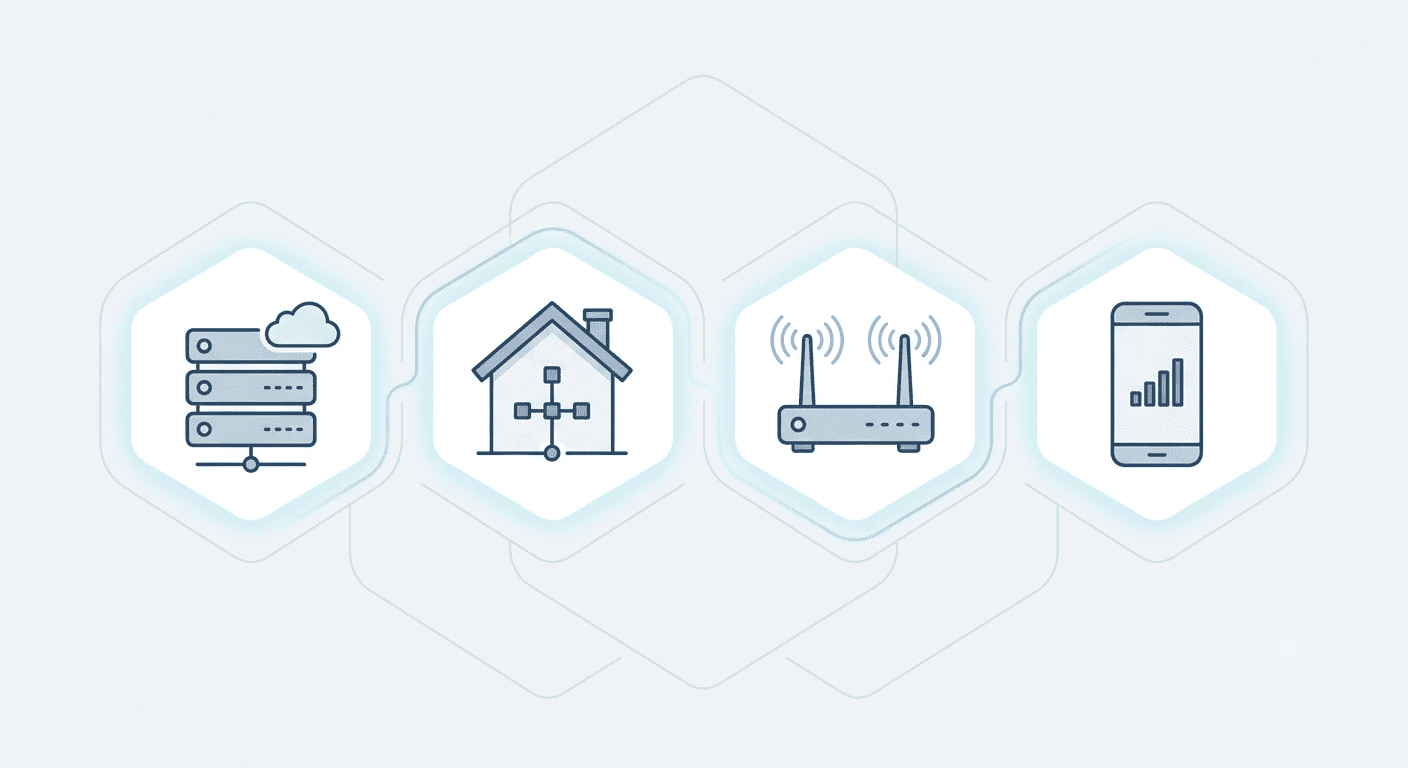
| Proxy Type | Speed | Cost | Best For | Block Risk |
| Datacenter | Very fast | Low | High-volume scraping of less-protected sites | Higher, easier to detect |
| Residential | Moderate | Higher | Scraping sites with strong anti-bot systems | Low, looks like real user traffic |
| ISP (Static Residential) | Fast | Moderate to high | Long scraping sessions needing a stable IP | Low to moderate |
| Mobile | Moderate | Highest | Scraping mobile-first platforms and apps | Very low |
If you are just starting out and scraping smaller, less protected sites, datacenter proxies are usually enough for you to get started. Once you start hitting sites with heavier bot detection, like major e-commerce or social platforms, rotating residential proxies are good for you.
Skip the manual setup. Express Nodes’ rotating proxy plans come with built-in rotation and IP pool management out of the box.
Step-by-Step: Setting Up a Proxy for Web Scraping
Step 1: Define What You Are Scraping and How Often
Before choosing a proxy, you should get clear on your target sites, like how many pages you need and how frequently the scraper will run. A one-time scrape of 200 product pages has very different proxy needs than a daily scraper pulling from thousands of listings.
Step 2: Choose the Right Proxy Type
Match the proxy type to the target site’s defenses. Basic sites with minimal protection work fine with datacenter proxies. Sites with CAPTCHAs, login walls, or aggressive bot detection need residential or mobile proxies instead.
Step 3: Pick a Reliable Proxy Provider
You should look for a provider with a large, genuinely spread-out IP pool, transparent pricing, and solid uptime. A provider with a small or reused IP pool will get you flagged really fastl. That’s why it’s good to compare proxy plans based on your project size instead of just using whatever’s cheapest.
Step 4: Configure Your Scraper to Use the Proxy
Most scraping tools and libraries let you pass proxy details directly into the request settings. In Python, for example, tools like Requests or Scrapy accept a proxy dictionary or configuration parameter where you enter the proxy’s IP, port, and authentication details. The exact setup varies slightly by tool, but the core idea is the same everywhere: point your outgoing requests through the proxy server instead of your own connection.
Step 5: Set Up IP Rotation
A single proxy IP, even a good one, will eventually get you flagged if it sends too many requests. Rotation solves this by automatically switching between different IPs from your proxy pool, either after every request or after a set time interval. Most residential and datacenter proxy services offer built-in rotation, so this is usually a setting you enable to use.
Step 6: Add Request Throttling
Rotating IPs helps, but sending requests too fast still looks very robotic even across different addresses. Adding small, randomized delays between requests to mimic natural browsing behavior makes a real big difference here, and it’s one of those small tweaks that quietly cuts your block rate even when the rest of your setup is already solid.
Step 7: Handle Failed Requests Gracefully
Some requests will still fail, even with proxies in place. Build retry logic into your scraper, so it automatically tries again with a different IP when a request gets blocked or times out, instead of stopping the entire job.
Step 8: Monitor and Adjust
You should track your success rate, block rate, and response times as your scraper runs. If you notice an increase in blocks from a particular site, it may be time to switch proxy types, slow down your request rate, or rotate more aggressively.
Common Mistakes to Avoid
- Using free proxies for real projects: Free proxy lists are often very slow, unreliable, and already flagged by major websites
- Skipping rotation entirely: Even a great proxy gets burned fast without rotation
- Sending requests too uniformly: Identical timing and headers across every request are a very easy pattern for anti-bot systems to catch
- Choosing proxy type based on price alone: The cheapest option often costs more in wasted time from failed requests and blocks
Do I need a proxy for small scraping projects?
If you send a few requests to a lightly protected site, you might get away without one. But even small projects benefit a lot from a proxy once you scrape more than a few dozen pages, since it protects your own IP from getting blocked.
Are datacenter or residential proxies better for scraping?
Neither is actually universally better. Datacenter proxies are faster and cheaper, and good for less protected sites. Residential proxies look like real user traffic and work better against sites with strong anti-bot systems.
How many proxies do I need for a scraping project?
It actually depends on your scale and target site’s sensitivity. A small project may work with a handful of rotating IPs, while a large-scale daily scraper against a heavily protected site may need hundreds or thousands of IPs in rotation.
Can I use the same proxy for scraping and everyday browsing?
It is actually better for you to keep them separate. Scraping proxies get used heavily and are more likely to get flagged over time, which could affect other activities running through the same IP.
Final Thoughts
Using a proxy for web scraping is not just about avoiding a ban. It is also about building something you can actually trust to give you complete, consistent data every single time it runs. So you should start with the right proxy type for your target site, layer in rotation and throttling, and keep an eye on it instead of treating setup as a one-time job.
Ready to scrape without the blocks? Get started with Express Nodes and see the difference a solid proxy pool makes.
Best Proxies for LinkedIn Automation and Outreach
If you have ever sent more than a handful of connection requests in a day, you already know LinkedIn is watching. In fact, a 2026 report found that 23% of users relying on browser-based automation tools faced account restrictions within just 90 days. It tracks where...
Best Proxies for Twitter/X Account Management
If you manage more than one Twitter/X account, you already know the problem. You log in, and everything looks fine, and then suddenly one account gets flagged or suspended without any major reason. A few hours later, the account next to it goes down too. This isn't...
Best Proxies for Instagram in 2026: Top Picks
If you run more than one Instagram account, or manage them for clients, you already know the problem. One wrong move and Instagram sends you a login alert, or even worse, bans you. And it happens more often than you'd think. Meta disables over 2 billion fake or...