
If you have ever sent more than a handful of connection requests in a day, you already know LinkedIn is watching. In fact, a 2026 report found that 23% of users relying on browser-based automation tools faced account restrictions within just 90 days. It tracks where your login is coming from, how your mouse moves, how fast you click, and yes, what IP address you are using every time you open the app.
If you run outreach campaigns, manage multiple LinkedIn accounts for clients, or use any kind of automation tool to scale your prospecting, the proxy sitting behind your setup can be the difference between a smooth campaign and a blocked account.
Why LinkedIn Cares So Much About Your IP Address
LinkedIn has become one of the biggest professional networks in the world, with more than 1.2 billion registered members and roughly 310 million people using it actively every month. A platform that size cannot rely on manual review to catch spam or bot activity. It leans on machine learning models that quietly track behavioral patterns across every account.
Some of the signals these models look at include browser fingerprint, login location consistency, device details, typing and clicking rhythm, and network anomalies like several accounts logging in from the same IP address. None of these signals alone gets an account flagged. It’s the accumulation of small inconsistencies that pushes an account into unusual activity, which mostly starts with a CAPTCHA or identity verification prompt before becoming permanent restrictions.
Ready to run LinkedIn outreach without worrying about your IP? Check out Express Nodes residential and ISP proxy plans and pick the setup that matches your outreach volume.
Premium Proxy Infrastructure
Residential Proxies
🏡
Your content goes here. Edit or remove this text inline or in the module Content settings. You can also style every aspect of this content in the module Design settings and even apply custom CSS to this text in the module Advanced settings.
ISP IPs
🏡
Your content goes here. Edit or remove this text inline or in the module Content settings. You can also style every aspect of this content in the module Design settings and even apply custom CSS to this text in the module Advanced settings.
Fresh IPs
🏡
Your content goes here. Edit or remove this text inline or in the module Content settings. You can also style every aspect of this content in the module Design settings and even apply custom CSS to this text in the module Advanced settings.
Dedicated IPs
🏡
Your content goes here. Edit or remove this text inline or in the module Content settings. You can also style every aspect of this content in the module Design settings and even apply custom CSS to this text in the module Advanced settings.
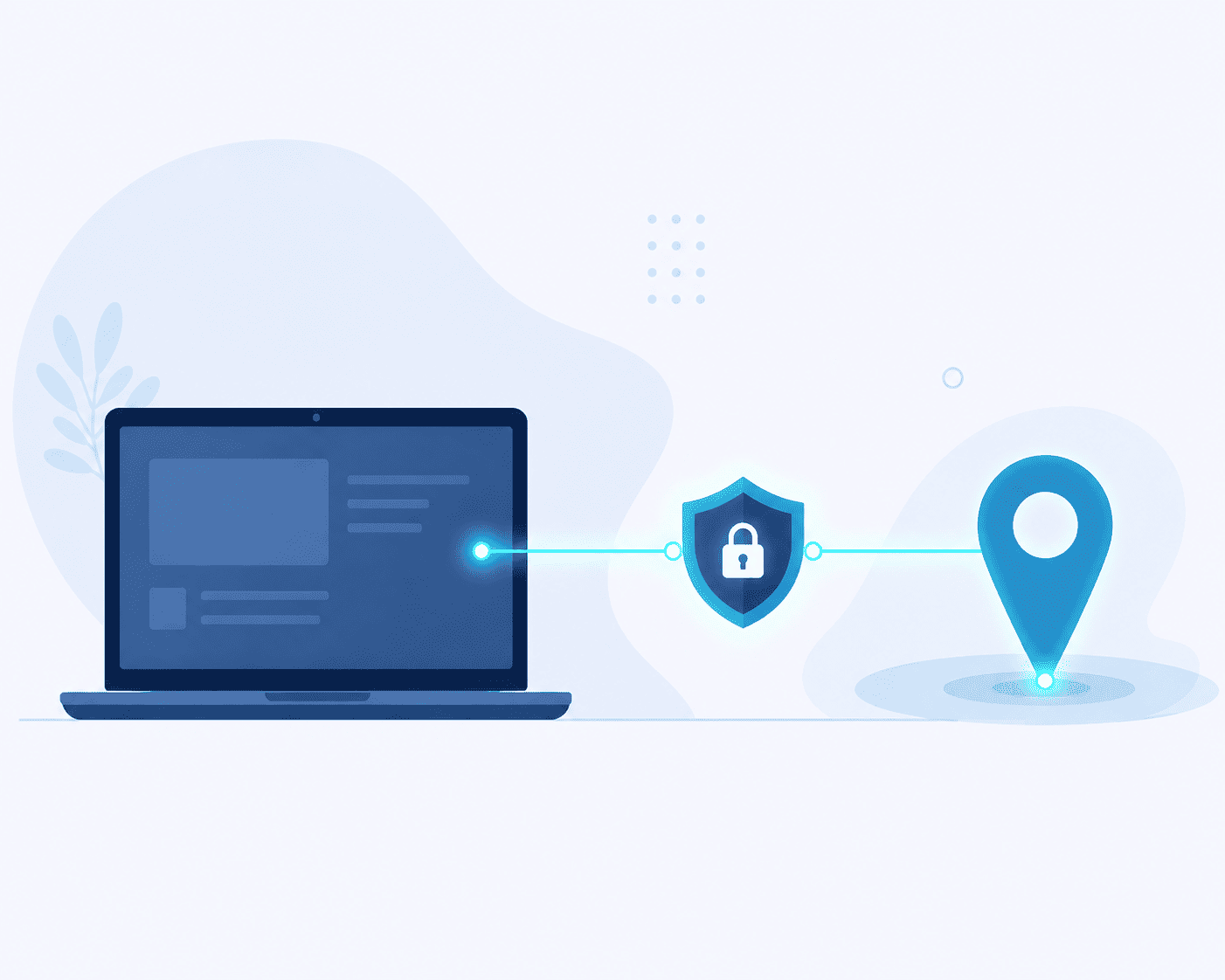
The Different Types of Proxies, Explained Simply
Not all proxies behave the same way, and using the wrong type for LinkedIn outreach is one of the common reasons to get your account restricted. So let me quickly explain to you what each type does and what’s best for your use case.
Datacenter proxies
They run on servers instead of real devices. They are fast and cheap, but LinkedIn’s system can tell that the traffic is not coming from a real household connection. These work fine for basic testing but are risky for anything tied to a live account.
Rotating residential proxies
They cycle through a large pool of real household IP addresses, changing with every request or session. They are great for large-scale anonymous data collection where you don’t need continuity. For LinkedIn outreach, though, constantly shifting IPs during a single session can look odd, like a datacenter IP, since a real person doesn’t usually bounce between cities in between scrolls.
ISP proxies (static residential proxies)
It gives you an IP address registered to an actual internet service provider, but it’s hosted on stable infrastructure so it doesn’t change with every request. This means that you get the trust of a residential IP with the consistency that a datacenter connection normally offers. For anything involving a persistent LinkedIn login, this consistency is what keeps an account’s activity looking coherent over time.
Mobile proxies
It routes traffic through IPs assigned by a mobile carrier. These tend to carry high trust because carrier-grade NAT means thousands of real users legitimately share the same IP already, so unusual overlap is less alarming to detection systems. They are often the priciest option, but useful for high-value accounts.
Comparison Table: Which Proxy Fits LinkedIn Outreach
|
Proxy Type |
Speed |
Detection Risk |
Best For |
|
Datacenter |
Very fast |
High |
Basic testing, non-login tasks |
|
Rotating Residential |
Moderate |
Moderate to high (for LinkedIn specifically) |
Broad, anonymous scraping |
|
Static Residential (ISP) |
Fast |
Low |
Account logins, ongoing outreach, LinkedIn automation |
|
Mobile |
Moderate |
Low |
High-value or sensitive accounts |
For most of the LinkedIn outreach use cases, static residential proxies hit the sweet spot. They give you the IP consistency LinkedIn expects from a real user; you can run the proper outreach workflow without sacrificing speed.
Tired of proxies that get flagged the moment you scale up? Express Nodes offers dedicated, clean IP pools built for exactly this kind of account-based outreach. Take a look at the plans.
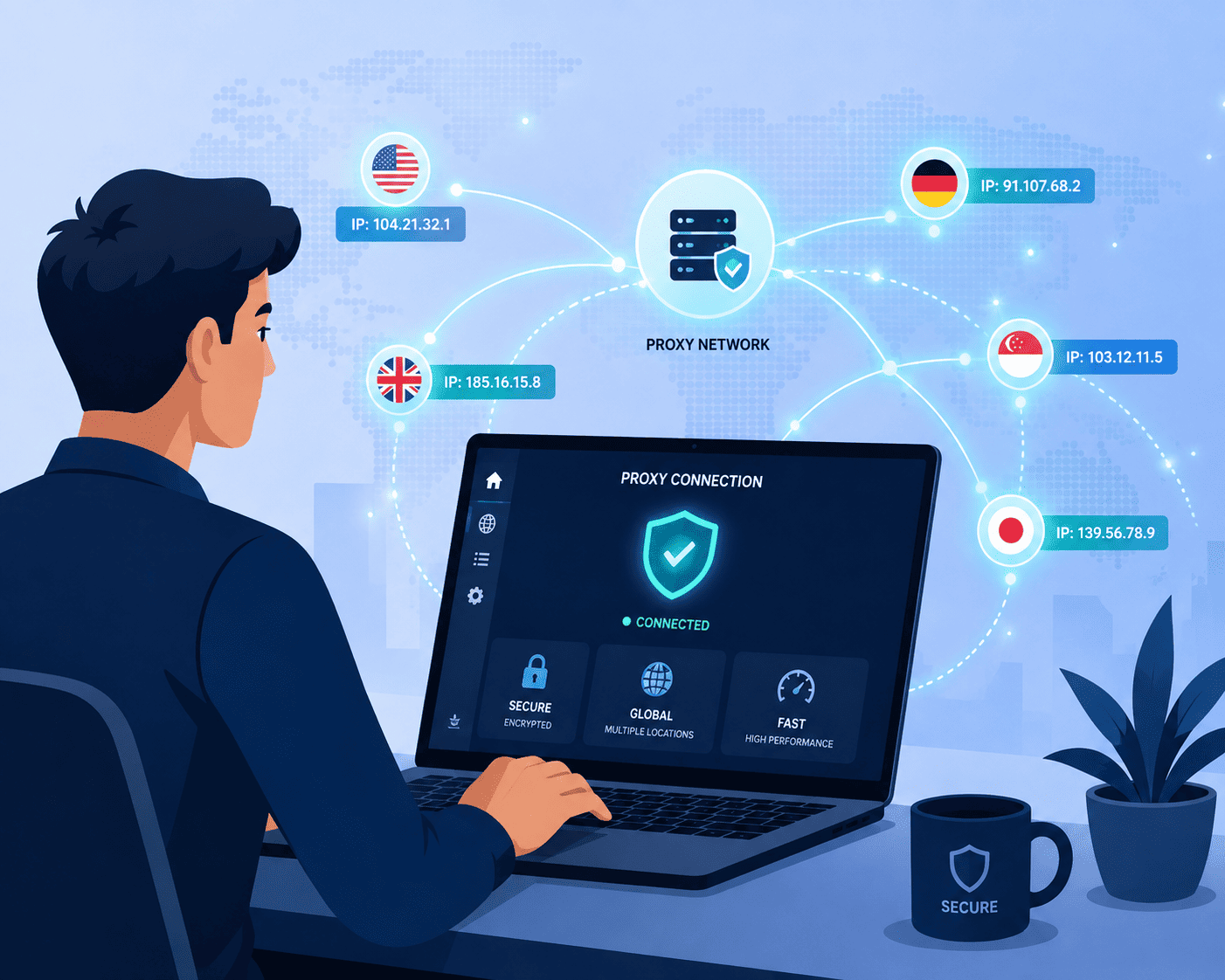
How LinkedIn Actually Detects Automation
It helps to understand that LinkedIn’s detection systems don’t really ask if this is automated. Instead, they ask, does this session look like a real human? And that distinction matters a lot when you are choosing infrastructure.
A tool operating inside your browser using your real session cookies tends to produce activities that look close to natural clicking behaviour. A tool running from a separate cloud server, injecting requests through a mismatched proxy, produces a session that looks foreign from the start, regardless of how many connection requests you send.
Practical Rules For Using Proxies With LinkedIn Outreach
Let me teach you a few small habits that make a real difference here.
Stick to one proxy per LinkedIn account. Sharing an IP across multiple profiles is one of the fastest ways to get several accounts flagged together, since LinkedIn can easily connect the dots the moment one of them trips a warning.
Match your proxy’s location to your actual profile location and timezone. A profile that says Mumbai but logs in from a server in another country creates exactly the kind of mismatch detection systems are built to catch.
Warm up new proxies gradually. Start with lighter activity for the first few days on any new IP, especially if it’s tied to a new or recently restricted account, before scaling up to your normal outreach volume.
Keep your acceptance rate in mind. If fewer than one in five of your connection requests are being accepted, that’s a signal to slow down and refine targeting rather than push the proxy harder.
Test and monitor regularly. Proxy quality can degrade over time as IPs pick up usage history elsewhere, so periodic checks help you catch a problem before LinkedIn does.
Do I need a proxy for LinkedIn automation?
If you’re managing more than one account, running outreach at any real scale, or using automation tools of any kind, yes. A well-matched proxy helps your login and activity pattern look consistent, which is a key part of staying under LinkedIn’s radar for unusual activity.
Which proxy type is safest for LinkedIn?
Static residential (ISP) proxies and mobile proxies generally carry the lowest detection risk because they combine real-network trust with session stability, both of which LinkedIn’s systems favor over datacenter or fast-rotating IPs.
Can a proxy alone prevent a LinkedIn ban?
No. A proxy is one layer of a larger trust picture. Sending behavior, message relevance, acceptance rates, and activity pacing all matter just as much, if not more, than the IP address behind them.
Is it safe to share one proxy across multiple LinkedIn accounts?
It’s not recommended. LinkedIn can link accounts sharing an IP, so if one gets restricted, the others tied to that same proxy are likely to get flagged too.
Choosing The Right Setup For Your Strategy
If you are running one personal LinkedIn account and sending a modest number of connection requests a week, a single static residential proxy matched to your real location is usually enough. If you’re managing outreach for multiple clients or several company profiles, you will need a dedicated IP for each account, ideally geo-matched to that account’s stated location.
The one thing that you should avoid the most is free or shared proxy lists. They are highly unstable and often already flagged from other user activity, and in some cases they even log your data on the side.
Not sure which proxy fits your outreach setup? Explore Express Nodes proxy plans and find the one that matches how you actually work.

Shared vs Dedicated Proxies: Which Fits Your Use Case?
If you have even spent ten minutes shopping for proxies, you have probably faced this problem before. Every provider's page asks whether you need shared or dedicated proxies, and if you don't know what that means, let me help you. Here's a number worth looking at:...
Best proxies for eBay and Etsy sellers
Marketplace sellers rarely think about proxies until something goes wrong. A second store gets flagged for "suspicious activity." A price-tracking script gets rate-limited after twenty requests. A perfectly legitimate second shop gets linked to the first one and both...
Best Proxies for Reddit Account Management
If you manage more than one Reddit account, you already know how quickly things can go wrong. One day your posts are getting traction, and the next day your account is shadowbanned, and you have no idea why. Reddit does not take moderation lightly either. In the first...