
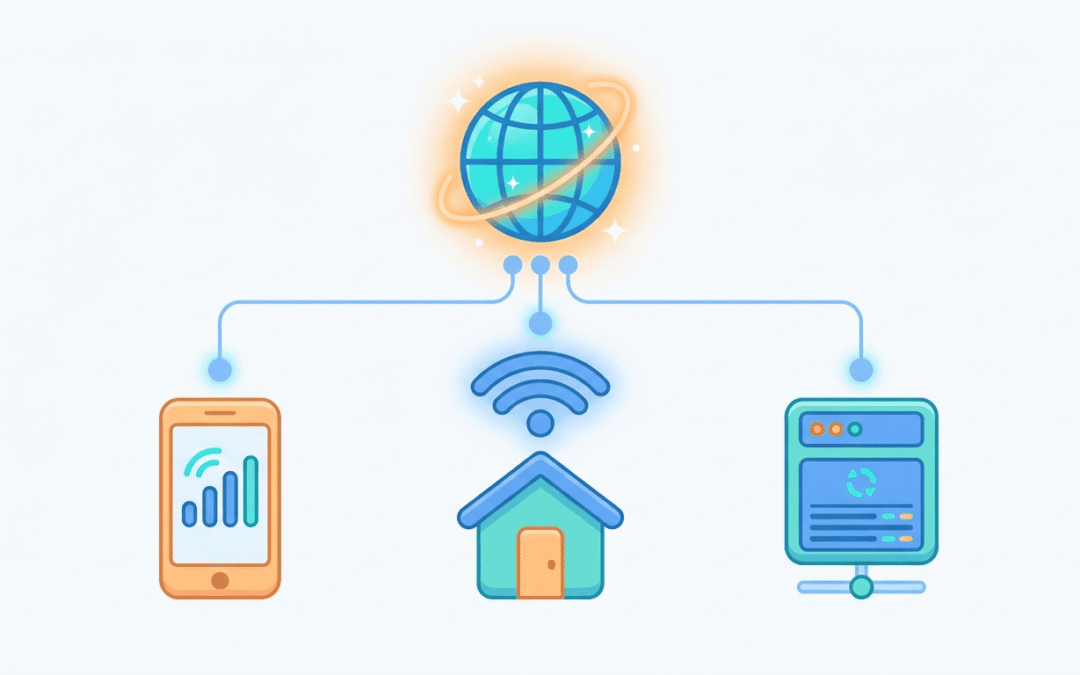
More than 3 billion people now have a 5G subscription, according to the Ericsson Mobility Report (June 2026). Carriers put thousands of subscribers behind each shared IP address, and websites know it. That is why mobile traffic gets so much room, and why mobile proxies cost what they do.
They are the priciest proxy type in the whole market. Whether that price makes sense depends on what you’re doing, so this guide covers how they work, how billing works, and what to check before you pay.
What Is a Mobile Proxy?
A mobile proxy sends your traffic through a real phone connection, usually 4G or 5G. The site you visit never sees your own IP. It sees one handed out by a carrier like T-Mobile, Vodafone, or AT&T, the same kind of address your phone gets on mobile data.
So to the website, you look like someone scrolling on their phone.
Providers build these networks in two ways. Some keep racks of real SIM cards and modems in one place. Others rent bandwidth from ordinary people’s devices. SIM setups tend to be steadier. The borrowed-device model gives a bigger pool, but a phone can drop offline whenever its owner switches it off.
Looking for Mobile proxies? Take a look at proxies by Express Nodes
Premium Proxy Infrastructure
Residential Proxies
🏡
Your content goes here. Edit or remove this text inline or in the module Content settings. You can also style every aspect of this content in the module Design settings and even apply custom CSS to this text in the module Advanced settings.
ISP IPs
🏡
Your content goes here. Edit or remove this text inline or in the module Content settings. You can also style every aspect of this content in the module Design settings and even apply custom CSS to this text in the module Advanced settings.
Fresh IPs
🏡
Your content goes here. Edit or remove this text inline or in the module Content settings. You can also style every aspect of this content in the module Design settings and even apply custom CSS to this text in the module Advanced settings.
Dedicated IPs
🏡
Your content goes here. Edit or remove this text inline or in the module Content settings. You can also style every aspect of this content in the module Design settings and even apply custom CSS to this text in the module Advanced settings.
Why Mobile Proxies Rarely Get Blocked
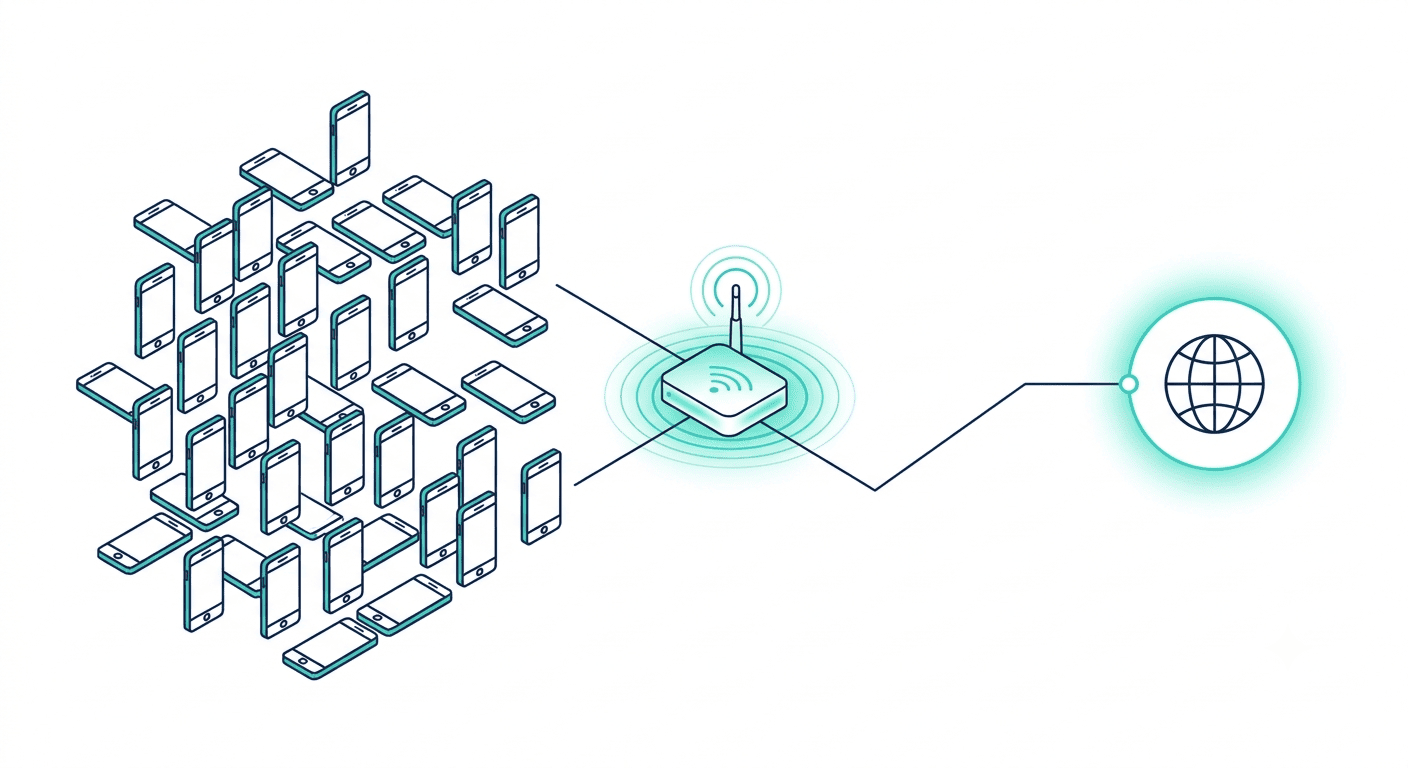
Carriers don’t have enough IPv4 addresses to give every phone its own. So they use carrier-grade NAT (CGNAT), which puts thousands of real subscribers behind one public IP.
Imagine you run a website and ban that IP. You’ve just locked out a few thousand paying customers, not one bot. Most sites won’t take that trade. Mobile IPs end up blocked one at a time, and far less often than datacenter ones. They also change on their own as carriers shuffle addresses, which looks like normal phone use.
Mobile vs Residential vs Datacenter Proxies
These three get mixed up a lot. The table shows where they differ.
|
Mobile |
Residential |
Datacenter |
|
|
IP source |
Mobile carriers (4G/5G) |
Home internet connections |
Servers in data centers |
|
Trust level |
Highest |
High |
Lowest |
|
Speed |
Slowest |
Medium |
Fastest |
|
Price |
Highest |
Medium |
Lowest |
|
Pool size |
Smaller |
Large |
Large |
|
Best for |
Strict platforms, mobile-first apps |
Scraping, local checks |
Fast, high-volume, low-risk jobs |
Datacenter IPs are quick and cheap, but sites spot them easily because they come from known server ranges. Residential sits in the middle. Mobile wins on trust and loses on speed and price. Your real speeds will shift with the carrier and the location.
4G vs 5G Mobile Proxies
4G is still the default. Coverage is nearly everywhere, so pools are bigger, and you get more cities and carriers to choose from. For social media work or checking ads, it’s plenty.
5G proxies respond faster and cope better with heavy loads. The pools are smaller, though, because fewer devices sit on 5G, and some plans labeled 5G drop to 4G in weak areas. Ask the provider what happens when 5G isn’t available.
Not sure which to buy? Go with 4G. Upgrade if speed turns out to be your real problem.
Rotating vs Sticky Mobile Proxies
A rotating proxy hands you a fresh IP on every request or every few minutes. That suits scraping, where each page load stands alone.
A sticky proxy holds one IP for a set stretch, anywhere from a few minutes to several hours depending on the provider. You want this for logins, checkouts, and social accounts, since an IP that flips halfway through a session looks odd.
My advice to you will be if the steps depend on each other, go sticky. If they don’t, rotate.
Rotation itself works in different ways. Some setups toggle the modem into airplane mode and back so the carrier assigns a new IP. Others rotate on a timer, per request, or when you call an API endpoint. Check which ones your plan supports before you buy.

Mobile Proxy Pricing in 2026
Providers bill in two main ways.
|
Billing type |
How you pay |
Fits best when |
|
Per GB |
You pay for the data you use |
Usage is light or unpredictable |
|
Per port or per IP |
Flat fee for a dedicated connection, billed daily, weekly or monthly |
Usage is steady and heavy |
Per-GB mobile plans in 2026 mostly start somewhere between a few dollars and ten-plus dollars per GB. Residential plans are usually cheaper per GB, and datacenter plans are cheaper still.
Here’s how the math can play out. A dedicated port at about $55 a month, against a plan at $5 per GB, breaks even at around 11 GB. Use less than that and per-GB is cheaper. Use more and the port wins. Those are example numbers, so swap in the real quotes you get.
Two things can push the bill up: the country you pick, and how often the IP rotates.
What Are Mobile Proxies Used For?
- Social media accounts. Platforms treat mobile traffic as normal, so running several accounts trips fewer alarms. Give each account its own proxy and don’t rush the activity.
- Ad verification. You see what a local mobile user sees, in a given country or even on a given carrier.
- App and mobile-site testing. Some sites show different content to phone visitors.
- Scraping heavily protected sites, mostly after datacenter and residential proxies keep getting blocked.
- Sneaker and ticket drops with strict bot checks.
If one of these is your project, you can look at the proxy plans at Express Nodes and see which fits.
Do You Actually Need Mobile Proxies?
Often, no. For a site with light protection, a datacenter or residential proxy does the job for a fraction of the cost. Using mobile proxies for that is like hiring an armored truck to carry your groceries.
Mobile earns its price when:
- the site blocks everything else you’ve tried
- you need to look like a phone user on a specific carrier
- losing an account would cost more than the proxy does
A cheap way in is to start with residential or datacenter, then send only the stubborn pages through mobile.
How to Buy Mobile Proxies: What to Check First
- Where the IPs come from. Ask whether they run on real SIMs and real devices.
- Carriers and countries. One carrier only is a weak sign. More is better.
- Rotation options. Timed, per request, on demand, or a mix.
- Sticky session length. Some cap at minutes, others go to hours.
- Billing model. Per GB or per port, whichever matches how much data you’ll push.
- Protocols. HTTP and SOCKS5 are the usual ones. Confirm your tools support what’s offered.
- Trial or refund policy. Test a small plan before committing to a big one.
Watch out for prices far below everyone else. Real carrier bandwidth costs money, so a suspiciously cheap plan is usually shared, recycled, or not truly mobile.
Once you’ve picked one, test it before real work. Check the IP location, the carrier, the speed, and whether it stays stable over a few hours. If you want a place to start, Express Nodes has plans you can compare.

How to Test Proxy Speed, Latency & Reliability
Most people pick a proxy, plug it in, and only find out it's bad when their scraper starts failing at 2 a.m. That's actually a really painful way to learn. In Proxyway's 2026 benchmark, residential proxies succeeded about 99% of the time on a simple test page, but the...

Static vs. Rotating Residential Proxies: Which Is Better?
Automated traffic made up more than 53% of all web traffic in 2025, according to Imperva's 2026 Bad Bot Report. Websites know this, and they've gotten strict about who they let in. If your IP looks suspicious, you get a CAPTCHA, a block, or sometimes a quietly fake...
How to Hide Your IP Address: Proxies vs VPNs vs Tor
About 23% of internet users aged 16 and over said they used a VPN in the second quarter of 2025, based on GWI survey data in the Digital 2026 Global Overview Report. That's nearly one person in four online, and most of them want the same thing, which is to stop...