

If you manage more than one Twitter/X account, you already know the problem. You log in, and everything looks fine, and then suddenly one account gets flagged or suspended without any major reason. A few hours later, the account next to it goes down too. This isn’t rare either. X itself has confirmed it suspended around 800 million accounts in a single year for platform manipulation and spam, roughly three times its entire active user base.
Most of the time, the reason is actually pretty simple. X can see that several accounts are logging in from the same IP address and treats it as a warning sign. That’s why proxies matter so much for anyone handling multiple accounts, whether you are a social media manager, an agency running client profiles, or a brand keeping personal and business accounts separate.
This blog breaks down what actually causes account suspensions, which proxy types work for X, and how to pick the right one.
Why Does X Care About IP Addresses So Much
X allows people to run multiple accounts. In fact, you can have up to 10 accounts under one profile, and the app even has a built-in “Add account” switcher for this reason. So owning several accounts is not the problem.
The problem starts when those accounts start behaving as if they are connected to each other. X’s systems watch for patterns like accounts logging in within minutes of each other, following the same set of people, posting in the same short window, or sharing rate limit activity on a single IP. When several accounts on one IP start hitting these patterns together, X flags the whole group, not just one account. This is called a chain suspension, and it is the single biggest risk for anyone running more than one X profile.
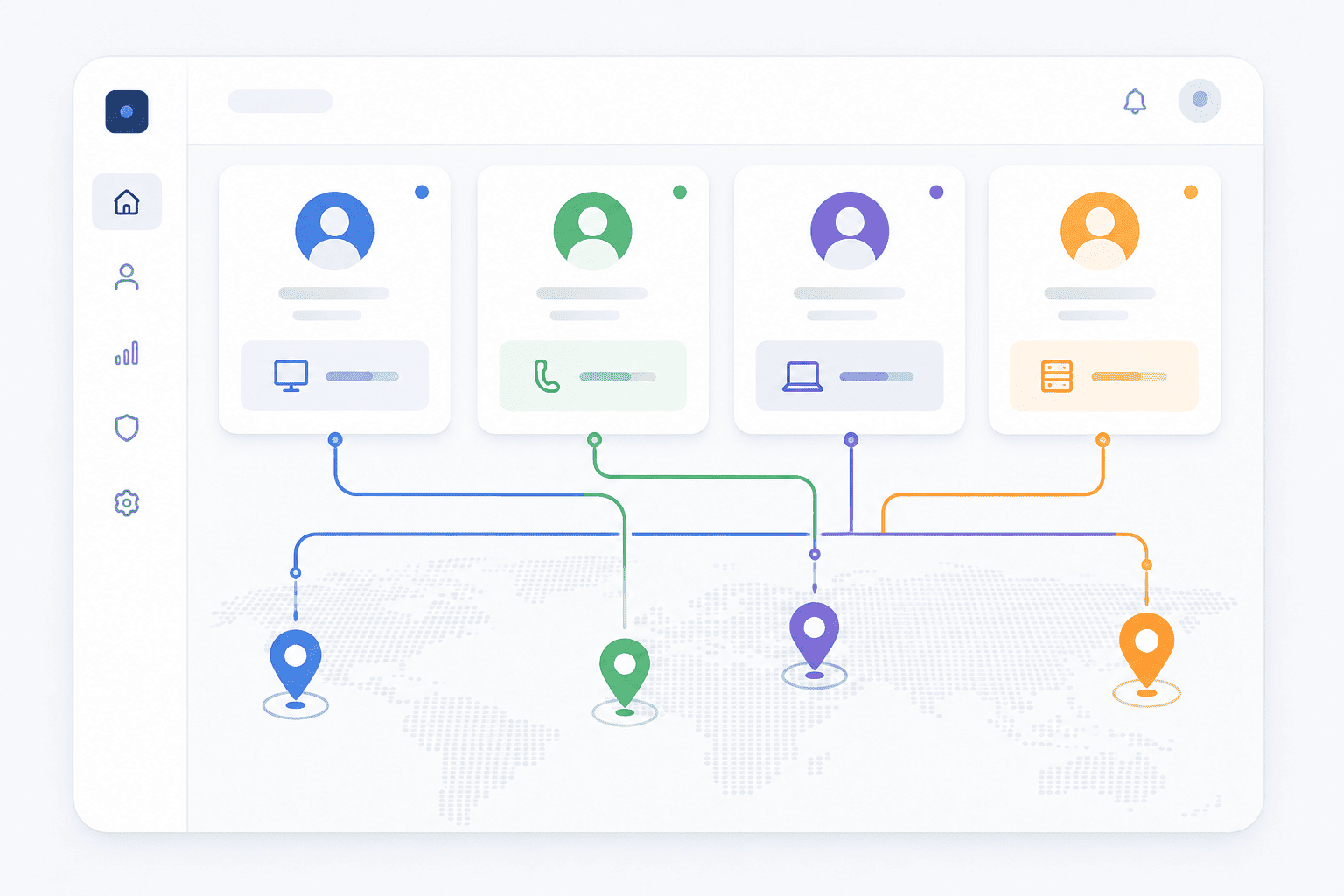
A dedicated proxy for each account breaks this pattern. It gives every account its own IP, its own location signal, and its own digital footprint, so X has no reason to link them together.
Ready to run your X accounts without the suspension scares? Get started with Express Nodes and get a dedicated proxy for every account.
Premium Proxy Infrastructure
Residential Proxies
🏡
Your content goes here. Edit or remove this text inline or in the module Content settings. You can also style every aspect of this content in the module Design settings and even apply custom CSS to this text in the module Advanced settings.
ISP IPs
🏡
Your content goes here. Edit or remove this text inline or in the module Content settings. You can also style every aspect of this content in the module Design settings and even apply custom CSS to this text in the module Advanced settings.
Fresh IPs
🏡
Your content goes here. Edit or remove this text inline or in the module Content settings. You can also style every aspect of this content in the module Design settings and even apply custom CSS to this text in the module Advanced settings.
Dedicated IPs
🏡
Your content goes here. Edit or remove this text inline or in the module Content settings. You can also style every aspect of this content in the module Design settings and even apply custom CSS to this text in the module Advanced settings.
Does X Actually Do IP Bans
This is a really common myth worth clearing up. X rarely bans an entire IP address outright because IPs are often shared. A single IP could belong to an office network, a college Wi-Fi, or thousands of VPN users at once, so banning it outright would hurt a lot of innocent people. Full IP bans are usually reserved for repeated, extreme cases of suspension evasion.
What X does instead is track IP addresses as one signal among many, alongside device fingerprints, browser details, and behaviour patterns. So the goal with proxies isn’t just to hide your IP. It’s to make sure your accounts don’t share any signals that make them look connected.
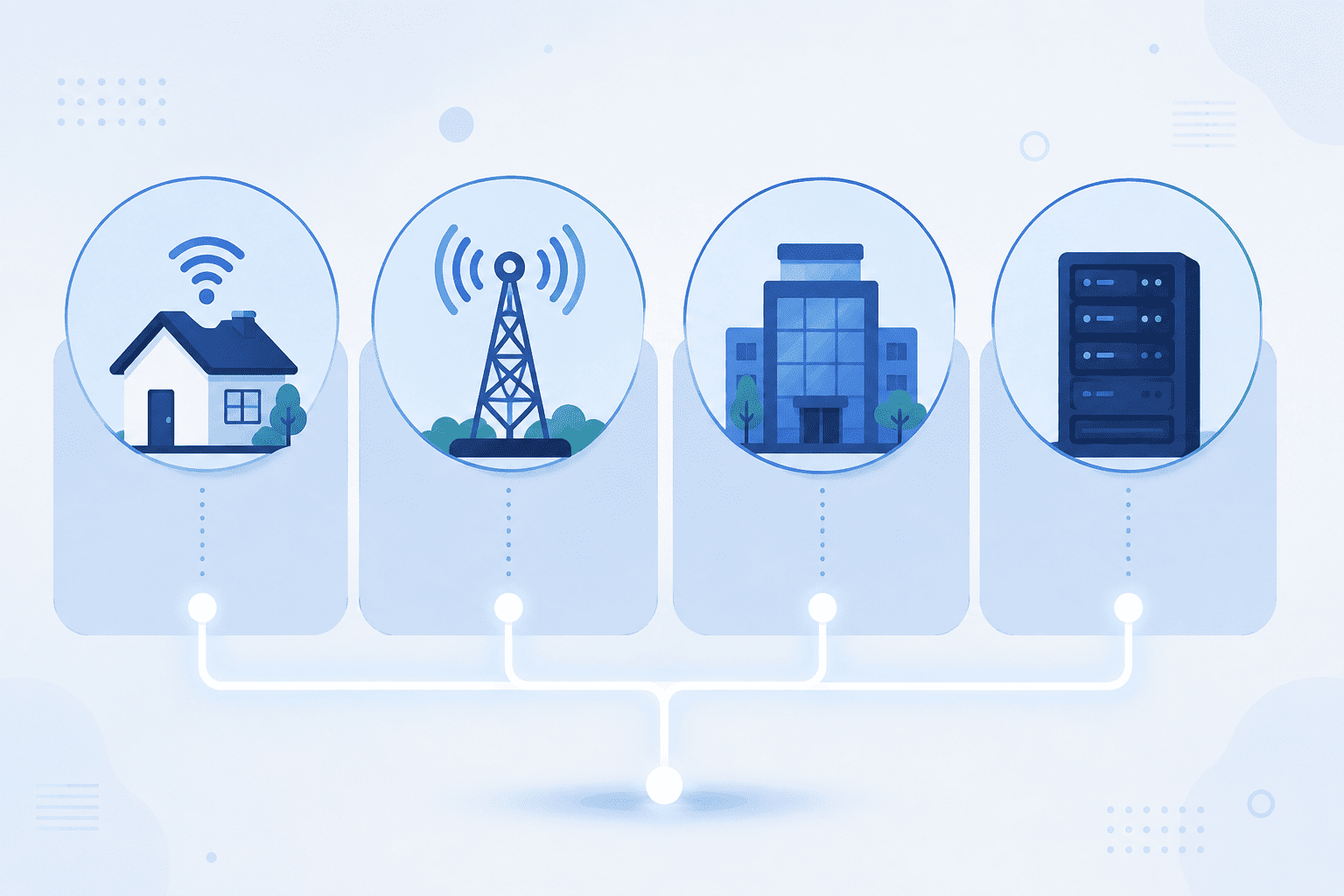
The Proxy Types You’ll Actually Come Across
Residential proxies: These route your traffic through real IP addresses tied to actual internet service providers, the same kind an everyday person’s home Wi-Fi would have. Since they look like genuine users, they are the hardest for X to flag as unusual, which makes them a strong pick for account management where you need accounts to look natural and organic.
Mobile proxies: These use IPs assigned by mobile carriers. Since thousands of real phone users often share the same mobile IP due to how carriers assign addresses, X treats mobile IPs with a bit more tolerance. This makes mobile proxies useful for accounts that need to look like they are being managed from a phone.
ISP proxies: These combine the trust of a residential IP with the speed and stability of a datacenter connection. You get one dedicated IP that stays with you long term, which is helpful if you want an account to build history and trust from a consistent location over time.
Datacenter proxies: These are the fastest and cheapest option, but they come from a data center rather than real household or mobile networks. X’s detection systems are generally better at spotting datacenter IP ranges, so these carry a higher risk for account management specifically, even though they work fine for less sensitive tasks like general browsing and research.
Comparison Table: Which Proxy Fits Your Use Case
|
Proxy Type |
Best For |
Ban Risk on X |
Relative Cost |
|
Residential |
Long-term account management, agencies running several client accounts |
Low |
Medium to High |
|
Mobile |
Accounts that mimic phone-first usage, casual personal accounts |
Low |
High |
|
ISP (Static Residential) |
Accounts that need a stable, consistent location over months |
Low to Medium |
Medium |
|
Datacenter |
Research, monitoring, non-sensitive scraping tasks |
High |
Low |
Not sure how many proxies your setup actually needs? Talk to our team, and we’ll help you map out a rotation that fits your account volume.
Setting Up Your Accounts the Right Way
Picking the right proxy is only half the job. How you use it matters just as much.
One proxy per account. This is the golden rule. Never let two X accounts share the same IP, even for a few minutes.
Match the proxy’s location to the account. If an account is supposed to represent someone in Mumbai, its proxy should show an Indian IP, not one from a different country. Mismatched locations are really easy to flag.
Warm up new accounts slowly. New accounts are watched closely in the first month. Complete the profile, follow a small number of relevant accounts, and browse before posting heavily. Jumping straight into 20 tweets a day on a brand new account is a good way to get flagged.
Keep your accounts from interacting with each other. If your own accounts like, retweet, or reply to one another, X can connect the dots even with separate proxies. Treat each account like it belongs to a completely different person.
Avoid identical patterns across accounts. Same bio structure, same posting time, same follow list. These small overlaps add up in X’s detection systems even when the IPs are different.
Common Mistakes That Get Accounts Banned Anyway
Even with a good proxy setup, certain habits will still get flagged.
Mass following right after account creation is one of the fastest ways to trigger a suspension, since real users rarely follow a hundred accounts on day one. Reusing the same email pattern or phone number format across accounts is another one, since X can trace these connections regardless of IP. And running every account through the same browser environment without any separation, even with different proxies, still leaves behind shared device signals that X can pick up on.
The safest approach combines three things together: a dedicated proxy per account, a separate browser profile per account, and behaviour that looks genuinely different across accounts. Skipping any one of these weakens the other two.
Can I use the same proxy for two X accounts?
It’s best not to. Sharing one IP across accounts is one of the main patterns X looks for when detecting linked accounts, and it raises the risk of a chain suspension.
Are free proxies safe for managing X accounts?
Free proxies are usually shared among many users at once, which means the IP could already be flagged or overused. For account management, a dedicated proxy is a safer bet.
How many X accounts can I manage at once?
X allows up to 10 accounts per profile through its official account switcher, though how many you can safely run also depends on how well you separate their proxies, browsers, and behaviour.
Does X really track IP addresses to ban accounts?
X rarely bans an entire IP outright since many IPs are shared, but it does use IP address patterns as one signal among several, including device fingerprints and behaviour, to detect linked accounts.
Wrapping Up
Running multiple X accounts safely comes down to making each one look like it belongs to a different, real person. A dedicated residential or ISP proxy for every account is the foundation of that, but it works best alongside good habits like slow warm-ups, location matching, and keeping your accounts from ever interacting with each other.
If you’re managing accounts at scale, whether for clients, brands, or your own projects, getting the proxy setup right from day one saves a lot of headaches later.
Ready to set up dedicated proxies for your X accounts? Get started with Express Nodes and keep your accounts running without the suspension scares.

HTTP vs HTTPS vs SOCKS5 Proxies:What’s the Difference?
If you have ever bought proxies, you must have seen these terms before - HTTP, HTTPS, and SOCKS5. You may have gotten confused seeing these terms because they look too technical. Most people choose whatever sounds a bit familiar, but all of these terms have a specific...

Free Proxies vs Paid Proxies: What’s the Difference and Which One Should You Use?
When you first start looking for a proxy, the idea of a free one sounds great. Why pay when you can get it for absolutely nothing? But if you have spent even a few hours trying to get free proxies to actually work, you already know the frustration that comes with...
Proxy vs VPN: What’s the Difference in 2026?
If you've ever tried to scrape data, manage multiple social media accounts, or just tried to browse without actually being tracked, you may have asked yourself this question: Should I use a proxy or a VPN? Both of these tools hide your actual real IP address. But they...