
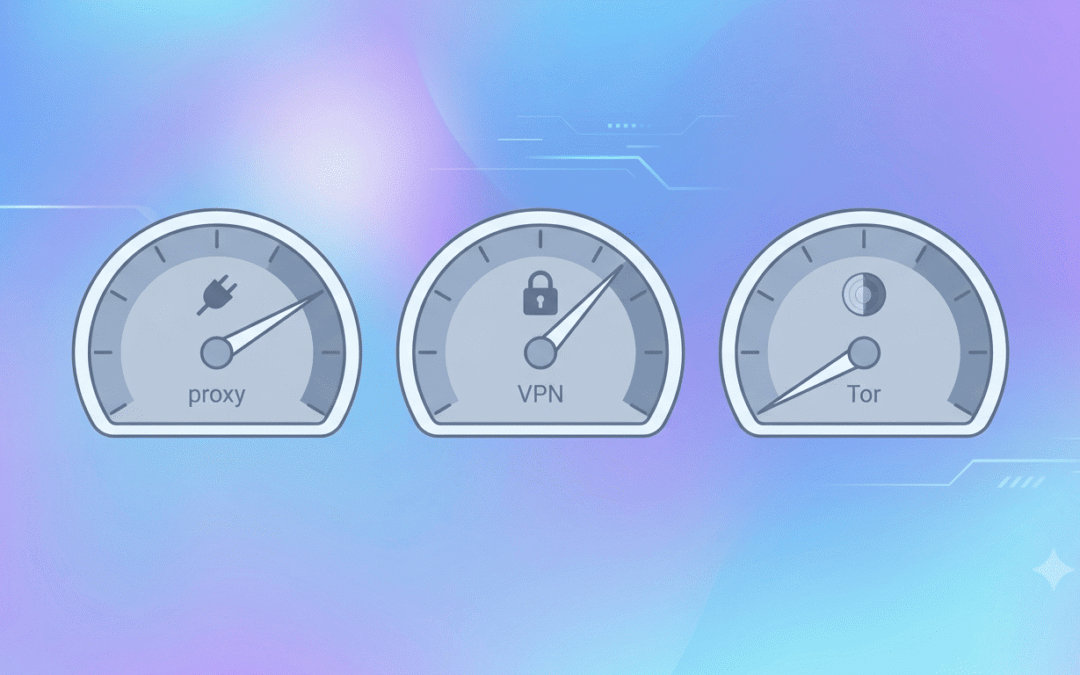
About 23% of internet users aged 16 and over said they used a VPN in the second quarter of 2025, based on GWI survey data in the Digital 2026 Global Overview Report. That’s nearly one person in four online, and most of them want the same thing, which is to stop websites from seeing the IP address tied to their home or phone connection.
But here’s the problem. Proxies, VPNs, and Tor can all hide your IP, but they work differently and protect different things. If you pick the wrong one, then you may end up with a setup that feels private but isn’t. So let’s go through each one, what it’s good at, where it falls short, and how to choose.
What does your IP address reveal about you?
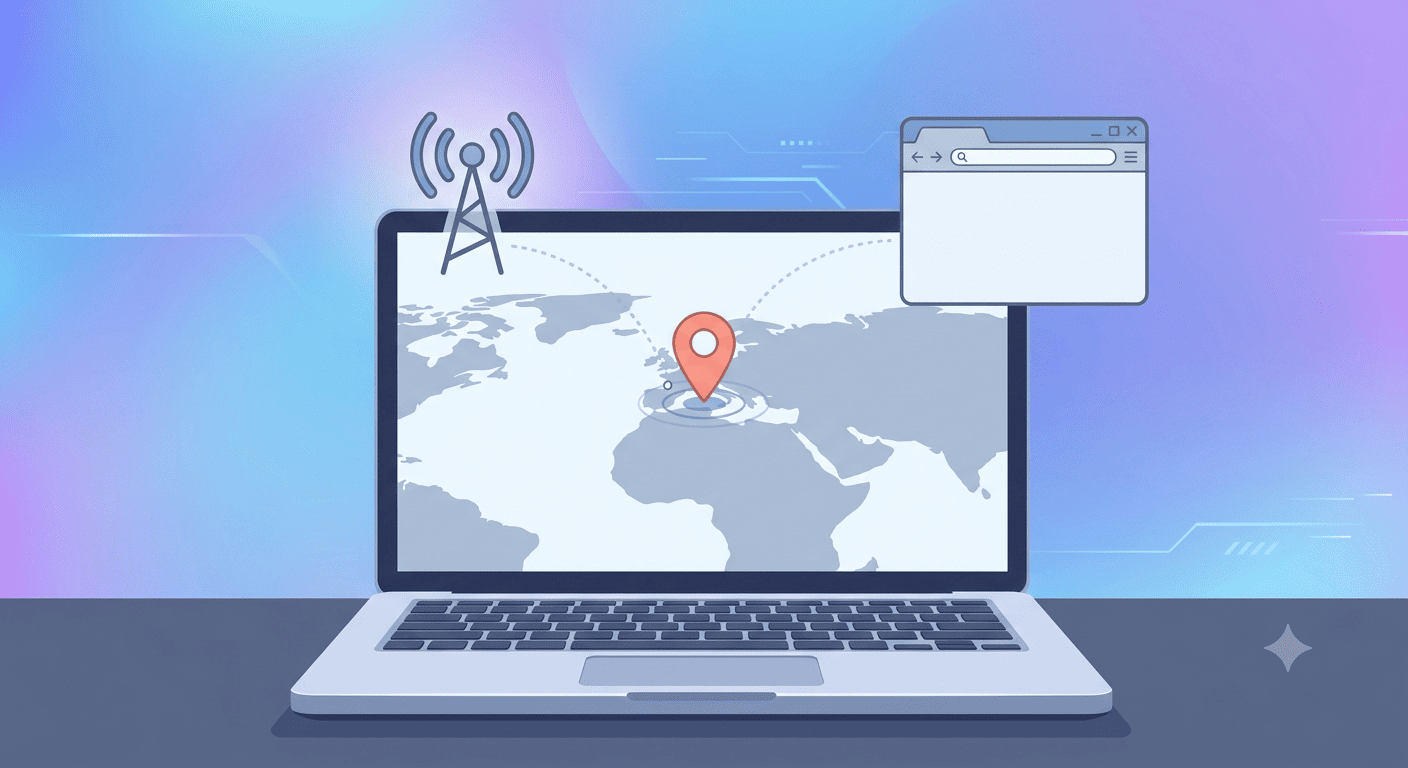
Every site you visit can see your public IP, and from it can guess your country, region, approximate city, and even your internet provider. It won’t hand over your name, your street address, or your browsing history. But sites do use it to block content by region, ban users, and link your visits together over time.
Hiding your IP means putting another machine between you and the website, so the site sees that machine’s address instead of yours. Proxies, VPNs, and Tor all do this. That’s where the similarity ends.
Premium Proxy Infrastructure
Residential Proxies
🏡
Your content goes here. Edit or remove this text inline or in the module Content settings. You can also style every aspect of this content in the module Design settings and even apply custom CSS to this text in the module Advanced settings.
ISP IPs
🏡
Your content goes here. Edit or remove this text inline or in the module Content settings. You can also style every aspect of this content in the module Design settings and even apply custom CSS to this text in the module Advanced settings.
Fresh IPs
🏡
Your content goes here. Edit or remove this text inline or in the module Content settings. You can also style every aspect of this content in the module Design settings and even apply custom CSS to this text in the module Advanced settings.
Dedicated IPs
🏡
Your content goes here. Edit or remove this text inline or in the module Content settings. You can also style every aspect of this content in the module Design settings and even apply custom CSS to this text in the module Advanced settings.

What is a proxy, and does it hide your IP address?
A proxy server is a middleman. Your request goes to the proxy first; the proxy passes it to the website using its own IP, and the reply comes back the same way. So yes, the site sees the proxy’s address instead of yours.
The limits matter, though. Most proxies cover a single app, usually your browser, and they don’t encrypt what passes through. That means your internet provider can still see your activity, and every program you haven’t set up (software updates, a desktop app, whatever) connects the normal way with your real IP showing.
Proxies also come in different types. Datacenter proxies come from servers, so they’re cheap and quick, but some websites can spot them. Residential proxies use IP addresses that internet providers assign to real homes and offices, so the traffic looks like an ordinary visitor’s. On the protocol side, HTTP proxies deal with web traffic, while SOCKS5 can carry other kinds too, like gaming or file sharing.
Proxies are at their best for work tasks: checking search rankings from another country, verifying ads, tracking prices, scraping data, or managing several accounts. Free public proxies are the worst of the bunch, since you rarely know who runs them or what they can see.
If you need a proxy for business, Express Nodes has residential and dedicated options worth a look.
Is a VPN better than a proxy?
For privacy, yes. A VPN also sends your traffic through another server, but it encrypts your traffic before it even leaves your computer, and it covers all network activity on the device, not just the browser but also the Games, email apps, photo apps- all of it. That’s why a VPN is the usual pick on public Wi-Fi, where someone on the same network could otherwise snoop.
The trade-off is trust. Your VPN provider can technically see what your ISP used to see, so its no-logging policy and location matter. Be careful with free ones. Servers cost money to run, so if you aren’t paying, your data is often how the provider makes it back.
One more thing you should know: a VPN isn’t built for jobs that need lots of different IPs at once, like scraping or running multiple accounts. That’s proxy territory.
Does Tor hide your IP address?
Yes, and more thoroughly than the other two. Tor routes your traffic through three volunteer-run relays, and each one only knows the hop before and after it, so no single relay knows both who you are and where you’re going. The website sees the last relay’s IP (the exit relay), not yours.
The price is speed. Tor is noticeably slower than a VPN or proxy, and some services, such as online banking and streaming, block Tor traffic. It’s also worth knowing that logging into a personal account identifies you no matter what IP you show, so opening your usual Gmail on Tor defeats the point.
Tor makes sense when anonymity matters more than convenience, for example, for journalists, activists, or anyone in a place where privacy is under pressure. If Tor itself is blocked where you live, bridges, which are relays not listed in the public directory, can help.
Proxy vs VPN vs Tor: quick comparison
|
Proxy |
VPN |
Tor |
|
|
Hides your IP from websites |
Yes |
Yes |
Yes |
|
Encrypts your traffic |
Usually no |
Yes |
Yes, in layers |
|
Covers the whole device |
Usually one app |
Yes |
Only the Tor Browser by default |
|
Speed |
Fast |
Fast to moderate |
Slow |
|
Anonymity level |
Low |
Medium |
High |
|
Cost |
Paid plans (free ones are risky) |
Paid (free ones are risky) |
Free |
|
Best for |
SEO, scraping, ad checks, geo-testing |
Everyday privacy, public Wi-Fi |
Maximum anonymity |
Which one should you use to hide your IP?
Actually, there’s no single winner. It depends on what you’re trying to do.
- Everyday privacy or public Wi-Fi: a reputable paid VPN.
- Work tasks like SEO checks, ad verification, price monitoring or scraping: a proxy. Go residential if the sites you’re hitting are strict; datacenter if speed and cost matter more.
- Real anonymity: Tor Browser.
If you want extra layers, you can run a VPN and Tor together. It works, but expect things to get even slower.
Does incognito mode hide your IP address?
No. Incognito mode only stops your browser from saving your history and cookies on your own device. Websites, your internet provider, and your school or office network can still see your IP.
How do you check if your IP is really hidden?
- Look up your real IP first, using any what is my IP tool, and note the location it shows.
- Turn on your proxy, VPN, or Tor.
- Check again. The IP and location should both be different now.
- Run a DNS and WebRTC leak test. Testing for leaks after you connect is a smart habit. Sometimes a browser gives away your real IP even when the tool is running.
Keep in mind that logins, cookies, browser fingerprinting, and apps can still identify you even with a different IP.
Is it legal to hide your IP address?
In the U.S., hiding your IP address is not illegal. Some countries do restrict VPNs, and China and Russia are among those with partial bans. So check your local rules.
Can I hide my IP address for free?
Yes. Tor is free, and there are free VPNs and public proxies too. The free VPNs and proxies are the risky part, because the provider may log or sell your data to cover costs.
Can someone still find me if I hide my IP?
Yes. Logins, cookies, browser fingerprinting, and the provider you use can all point back to you. Hiding your IP is one layer, not a full disguise.
What is the safest way to hide my IP address?
For strong anonymity, Tor. For everyday privacy, a reputable paid VPN. A proxy is fine for low-risk tasks but isn’t a privacy tool.
Is a proxy safer than a VPN?
Usually not. Most proxies don’t encrypt your traffic and only cover one app, while a VPN encrypts everything on your device.
Can I use a VPN and Tor together?
Yes. It adds another layer, though it slows your connection down further.
Best Proxies for Sneaker Copping and Limited-Release Drops
A hyped release goes live. You refresh, you click, and the size you wanted is gone before the page even finishes loading. That's not bad luck. Nike alone says its SNKRS app fields an average of 12 billion bot calls a month, with bots making up anywhere from 10% to 50%...
Proxies for Price Monitoring and Competitor Tracking (E-commerce)
Amazon changes prices on its platform roughly 2.5 million times a day, according to price intelligence firm Profitero, compared to around 50,000 monthly price changes each for competitors like Best Buy and Walmart. That number alone explains why manual price checks...
Best Proxies for LinkedIn Automation and Outreach
If you have ever sent more than a handful of connection requests in a day, you already know LinkedIn is watching. In fact, a 2026 report found that 23% of users relying on browser-based automation tools faced account restrictions within just 90 days. It tracks where...