
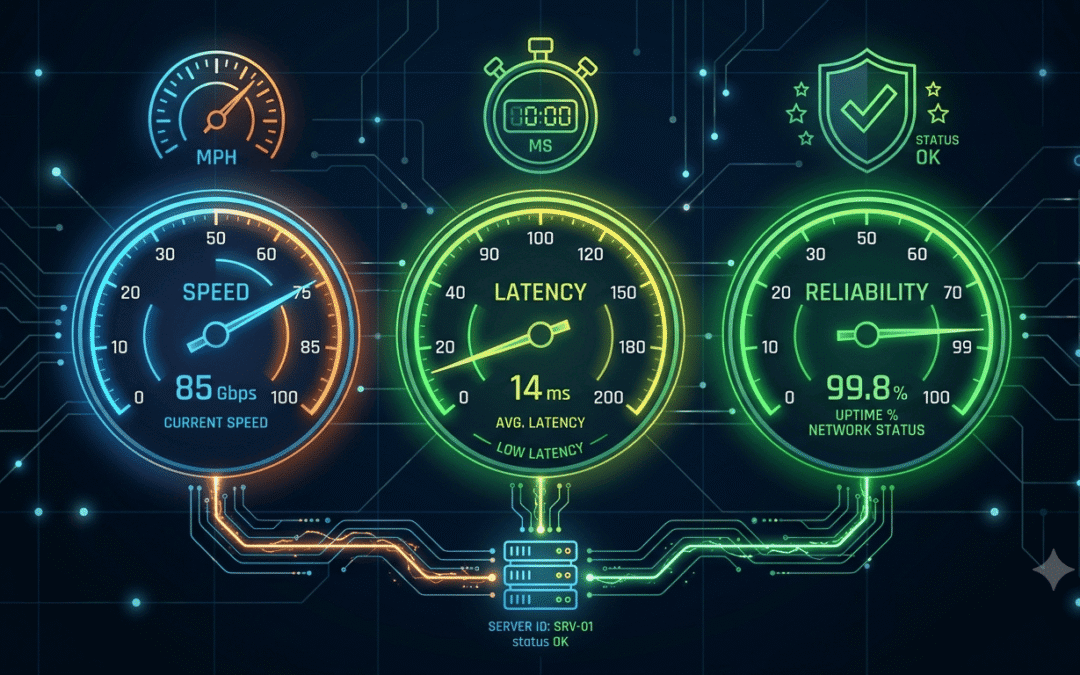
Most people pick a proxy, plug it in, and only find out it’s bad when their scraper starts failing at 2 a.m. That’s actually a really painful way to learn.
In Proxyway’s 2026 benchmark, residential proxies succeeded about 99% of the time on a simple test page, but the median dropped to about 74% on Amazon, Google, and Instagram. The takeaway is pretty simple. Providers do not perform the same, and the only way to know what you’re getting is to test it yourself.
This guide shows you how, in a few easy steps. You don’t need to be a developer for most of it.
How do I test proxy speed?
Start by splitting speed into three separate things, because people mix them up all the time.
- Latency: how long one request takes to get a response. Measured in milliseconds.
- Throughput: how much data moves per second. This is your download speed through the proxy.
- Reliability: how often requests actually succeed over time.
A proxy can be fast on one and bad on another. A proxy with a low ping but a 15% failure rate is worse for most jobs than a slightly slower one that rarely fails.
So when you test, check all three. The rest of this guide goes through them one at a time.
How to check if a proxy is working at all
Before measuring anything, make sure the proxy connects, and your login details are right.
The quickest check is a browser. Set the proxy, then open any IP checker site and see if the address changed. If it still shows your real IP, the proxy isn’t being used, or your setup is wrong.
If you have a terminal, this command gives you a clearer answer. It asks for a page through the proxy and prints only the status code:
curl -x http://username:password@proxy-host:port -o /dev/null -s -w “HTTP code: %{http_code}\n” https://example.com
Replace username, password, proxy-host, and port with your own details. Here’s how to read the result:
- 200: the proxy works and your login is fine.
- 407: the proxy wants a login and isn’t getting the right one. Check your username and password.
- Nothing or a timeout: check the host and port, and make sure your IP is allowed if the provider uses IP whitelisting.
Take a look at residential and dedicated proxies by Express Nodes, which are actually worth testing
Premium Proxy Infrastructure
Residential Proxies
🏡
Your content goes here. Edit or remove this text inline or in the module Content settings. You can also style every aspect of this content in the module Design settings and even apply custom CSS to this text in the module Advanced settings.
ISP IPs
🏡
Your content goes here. Edit or remove this text inline or in the module Content settings. You can also style every aspect of this content in the module Design settings and even apply custom CSS to this text in the module Advanced settings.
Fresh IPs
🏡
Your content goes here. Edit or remove this text inline or in the module Content settings. You can also style every aspect of this content in the module Design settings and even apply custom CSS to this text in the module Advanced settings.
Dedicated IPs
🏡
Your content goes here. Edit or remove this text inline or in the module Content settings. You can also style every aspect of this content in the module Design settings and even apply custom CSS to this text in the module Advanced settings.
How to test proxy speed with curl
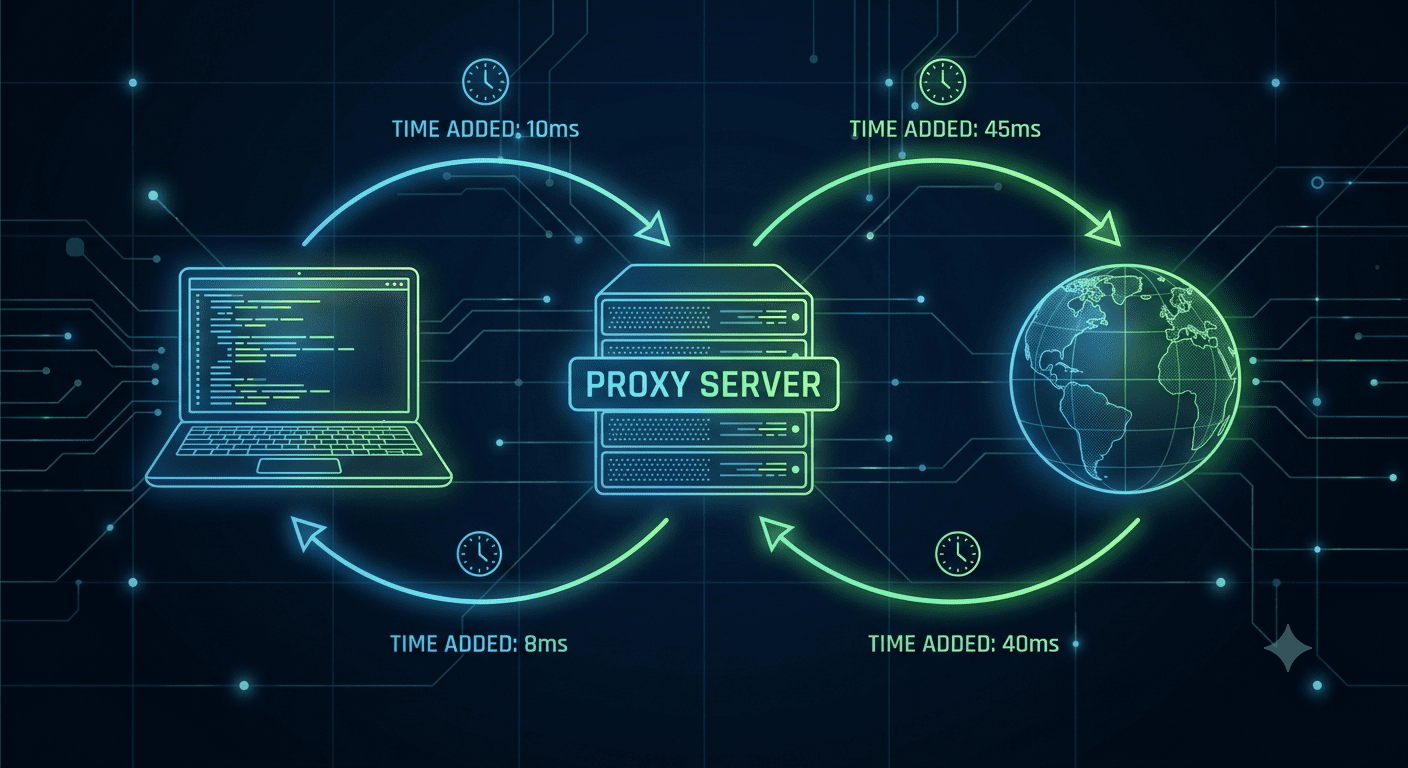
curl is the fastest tool for this if you’re comfortable with a terminal. It’s already on Mac and Linux. It also breaks one request into stages, which helps you see where the time goes.
These commands are written for Mac and Linux. Run this:
curl -x http://username:password@proxy-host:port -o /dev/null -s -w “DNS: %{time_namelookup}s\nConnect: %{time_connect}s\nTLS: %{time_appconnect}s\nFirst byte: %{time_starttransfer}s\nTotal: %{time_total}s\n” https://example.com
Here’s what each line means when a proxy is in the middle:
- DNS: time to look up the proxy server’s address
- Connect: time to open the connection to the proxy
- TLS: time to finish the secure handshake with the website (it shows 0 for plain HTTP sites)
- First byte (TTFB): how long until the website starts replying through the proxy
- Total: the whole request from start to finish
One run tells you almost nothing. Run it ten or twenty times and look at the spread. Networks are noisy, and a single lucky result will mislead you.
How to test proxy speed in Python
If you want numbers you can compare, a short Python script is better. This one sends 50 requests and gives you the median, the slow end, and the success rate. You need the requests library first, which you can install with pip install requests.
python
import requests, time, statistics
proxy = “http://username:password@proxy-host:port”
proxies = {“http”: proxy, “https”: proxy}
url = “https://api.ipify.org”
total = 50
times, ok = [], 0
for _ in range(total):
start = time.perf_counter()
try:
r = requests.get(url, proxies=proxies, timeout=10)
if r.status_code == 200:
ok += 1
times.append((time.perf_counter() – start) * 1000)
except requests.RequestException:
pass
print(f“Success rate: {ok / total * 100:.0f}%”)
if times:
times.sort()
p95 = times[min(len(times) – 1, int(len(times) * 0.95))]
print(f“Median: {statistics.median(times):.0f} ms”)
print(f“Slow end (p95): {p95:.0f} ms”)
else:
print(“No successful requests, so no speed numbers. Check your proxy details.”)
The script reports the median and the slow end instead of the average. A couple of very slow requests can drag the average up and hide what normal usage feels like. The slow end, often called p95, shows what your worst-case requests look like.
If every request fails, the script tells you to check your proxy details instead of crashing. That usually means a wrong login, a wrong port, or a blocked IP.
What is a good proxy latency?
This is the question you may have in your mind, and the honest answer is that it depends on the type of proxy and where your target is.
Some rough rules of thumb:
|
Proxy type |
Typical latency |
Why |
|
Datacenter |
Lower, often under 100 ms to the gateway |
Runs on fast server infrastructure |
|
Residential |
Higher, often a few hundred ms |
Traffic goes through a real home connection |
|
Mobile |
Highest and least steady |
Depends on the mobile network and signal |
Distance matters a lot. A proxy that feels fast when you test it against a nearby server can feel slow against a website on the other side of the world.
Also, don’t compare residential and datacenter on raw speed alone. Residential is slower by design because it adds a real-device hop. What you get in return is better trust on sites that block server IPs. Judge each type on what it’s actually meant to do.
How to check proxy reliability (the part most people skip)
Speed is easy to test in a minute. Reliability takes longer, and it’s the number that really decides if a proxy is worth paying for.
Here’s what to track:
Success rate. Divide the number of good responses by the total requests you sent. A good response means a proper 200 with real content, not a block page or a CAPTCHA that happens to return 200. A proxy with 200 ms latency and a 98% success rate beats one with 80 ms latency and 85% success.
Success rate per website. The same proxy can hit 95% on one site and 60% on another. Test against the sites you will actually use, not just a friendly test page. Keep to sites you’re allowed to test against.
Consistency over time. Run your test in the morning, afternoon, and at night, and across a couple of days. Proxies can look great at 10 a.m. and struggle at peak hours.
Sample size. Ten requests is actually too few. For a fair picture of one site, a few hundred requests is a much safer base.
Rotation behavior. If you use rotating proxies, check how often the IP actually changes, and whether the new IPs are really from the location you asked for.
Why is my proxy so slow?
If your numbers look bad, don’t blame the provider right away. Go through these first:
- Distance. Your location, the proxy location, and the target’s location all add time. Pick a proxy closer to your target.
- A slow first step. If the DNS or Connect line in the curl test is high, the delay is in reaching the proxy itself. Try a different proxy location.
- Your own connection. Test your internet without the proxy first. If that’s slow, the proxy isn’t the cause.
- Too many requests at once. Pushing hundreds of parallel requests through a small plan will slow everything down.
- Protocol overhead. HTTPS and SOCKS5 setups can add a little time. Compare them if speed really matters to you.
- The target site itself. Sometimes the website is simply slow, and it would be slow without any proxy.
The easiest way to find the cause is to compare. Run the same test with and without the proxy, then against two different targets. The difference shows you where the problem lives.
A simple testing checklist you can reuse
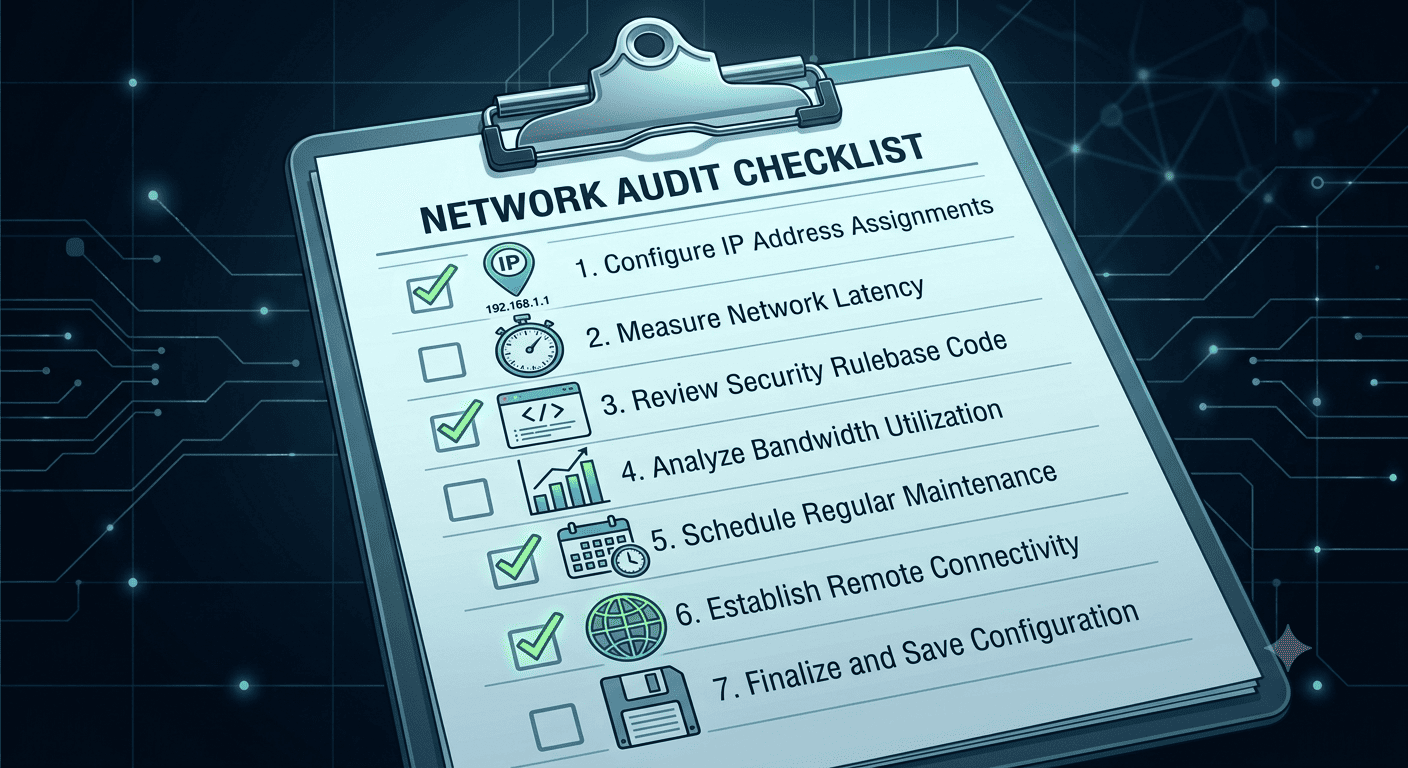
Here is a routine you can run any time you try a new proxy:
- Confirm the IP changes and the login works.
- Run the curl timing test 10 to 20 times.
- Run the Python script for 50 to 100 requests.
- Note the median, the slow end, and the success rate.
- Repeat at a different time of day.
- Test against the real sites you plan to use.
- Save the results so you can compare providers later.
It takes less than an hour, and it can save you from a bad month of failed jobs.
Ready to test a proxy that holds up?
Testing is only useful if the proxies behind it are worth testing. If you want to run these checks on a service built for stable speed and clean IPs, take a look at Express Nodes and see how it performs on your own workload.

How to Set Up a Proxy in Chrome: Complete Guide
Chrome accounted for 69.39% of worldwide browser market share in August 2026, according to Statcounter Global Stats. That's a lot of people who will eventually want to browse from a different IP address. So if you want your browsing to go through a proxy, you will...

How to Check if a Proxy Is Working: 7 Easy Methods
The global proxy server market is projected to grow from $1.746 billion in 2025 to $2.649 billion by 2031, a 7.2% CAGR driven mainly by rising cybersecurity needs and demand for geo-restriction bypass. A lot of that growth is actually coming from businesses scraping...

Best Proxies for Web Scraping in 2026: What Should You Use?
According to reports from Apify and The Web Scraping Club industry survey, 65.8% of web scraping professionals used more proxies in 2025 than the previous year, and 58.3% increased their proxy budgets over the same period, even as proxy prices generally fell. That...